API, WhatsApp, Telegram and e-mail

A complete API to use WhatsApp, Telegram or e-mail

Native WhatsApp with automations, e-mail alerts, a REST API and signed webhooks to integrate anything.

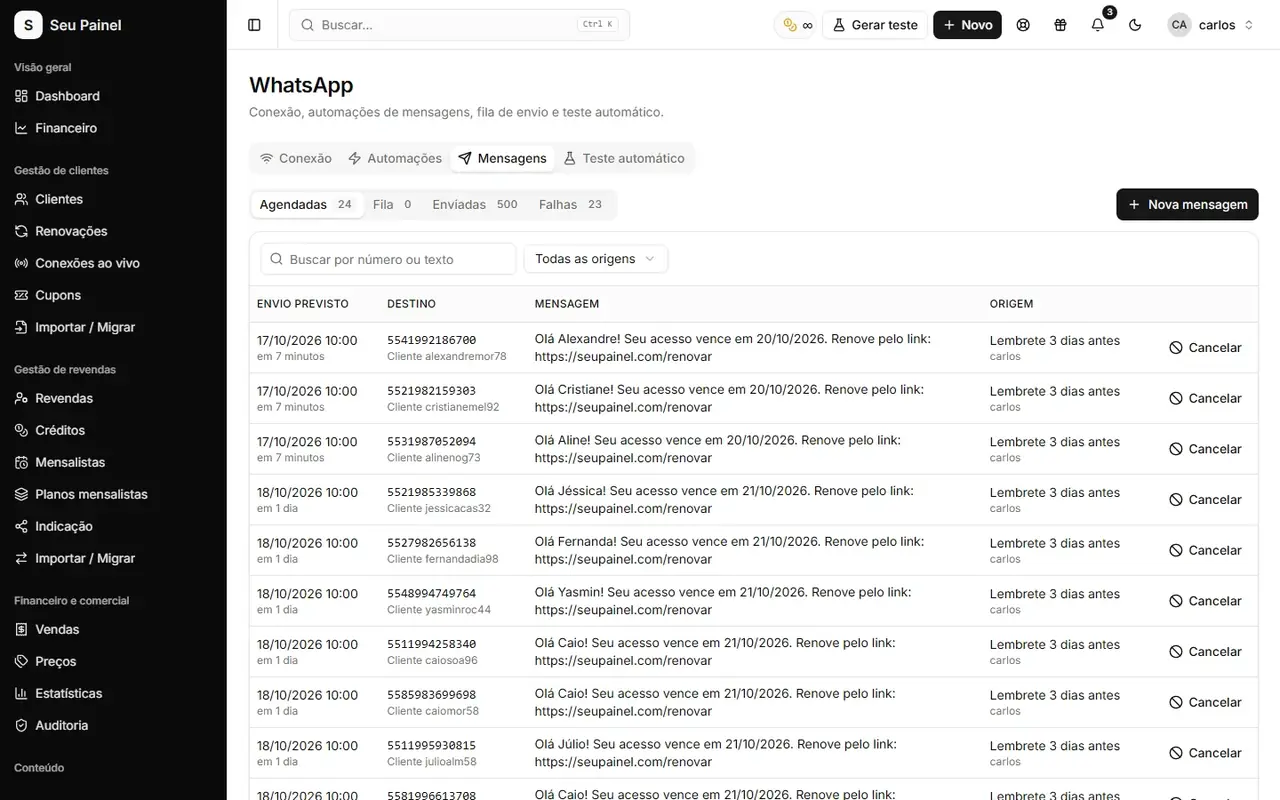
Painel Blend screen: WhatsApp connection for sending messagesPainel Blend screen: WhatsApp connection for sending messages

Highlights

Native WhatsApp

Connect your number through Evolution API or BotBot and send messages straight from the panel.

Ready-made automations

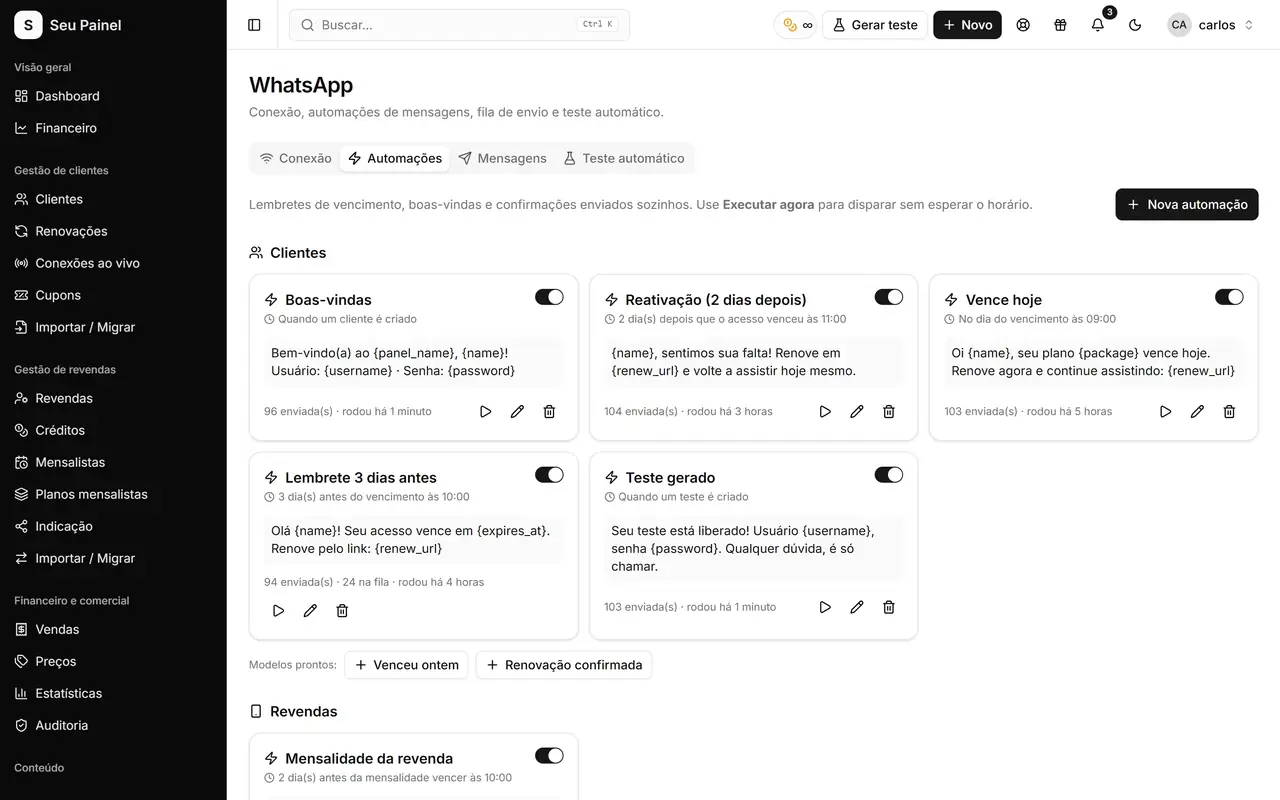
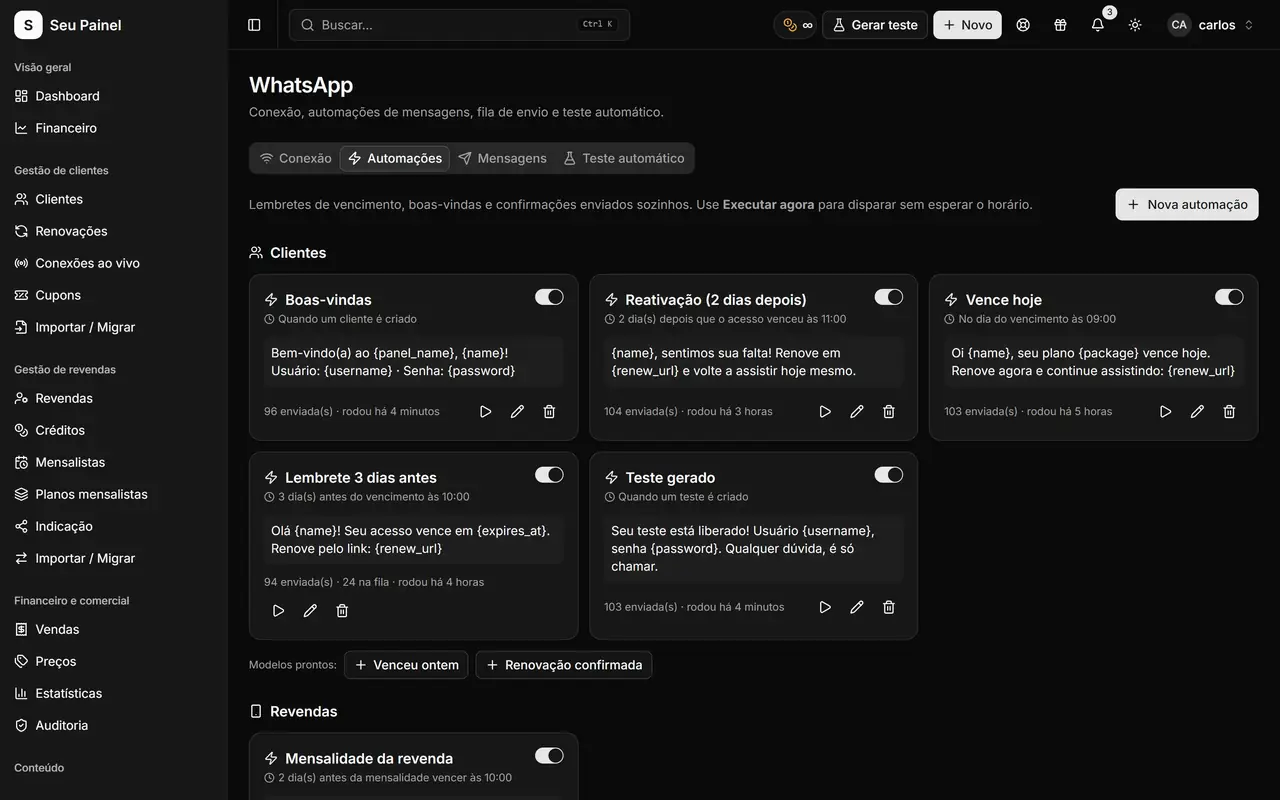
Welcome, expiration reminder and reactivation messages go out on their own, with a queue of scheduled, sent and failed messages.

E-mail notifications

Low-balance and expiration alerts reach you and your resellers by e-mail.

Documented REST API

Generate your personal token and integrate customers, resellers and credits with any system.

Signed webhooks

Events signed with HMAC-SHA256 in the x-blend-signature header, with retries and a delivery log.

Telegram and other channels

Use webhooks to send Telegram messages, transactional e-mails or flows in your automation tool.

How it works

  1. 01

    Connect WhatsApp

    On the WhatsApp screen, link your Evolution API or BotBot instance and turn on the automations you want.

  2. 02

    Create token and webhooks

    Under Settings > API and webhooks, generate your personal token and add the URL that will receive events.

  3. 03

    Wire up your channels

    Receive events such as customer.renewed and trigger Telegram, e-mail or any action in your own system.

WhatsApp right inside the panel

WhatsApp is the main channel to reach customers, so it is native in Painel Blend. You connect your number through an Evolution API or BotBot instance and start sending messages without leaving the panel: access details in one click from the customer list, notices and payment reminders.

Automations handle the repetitive work:

  • Welcome messages for newly created customers;
  • Expiration reminders before a subscription ends, with a link to the Pix renewal page;
  • Reactivation messages for those who already expired.

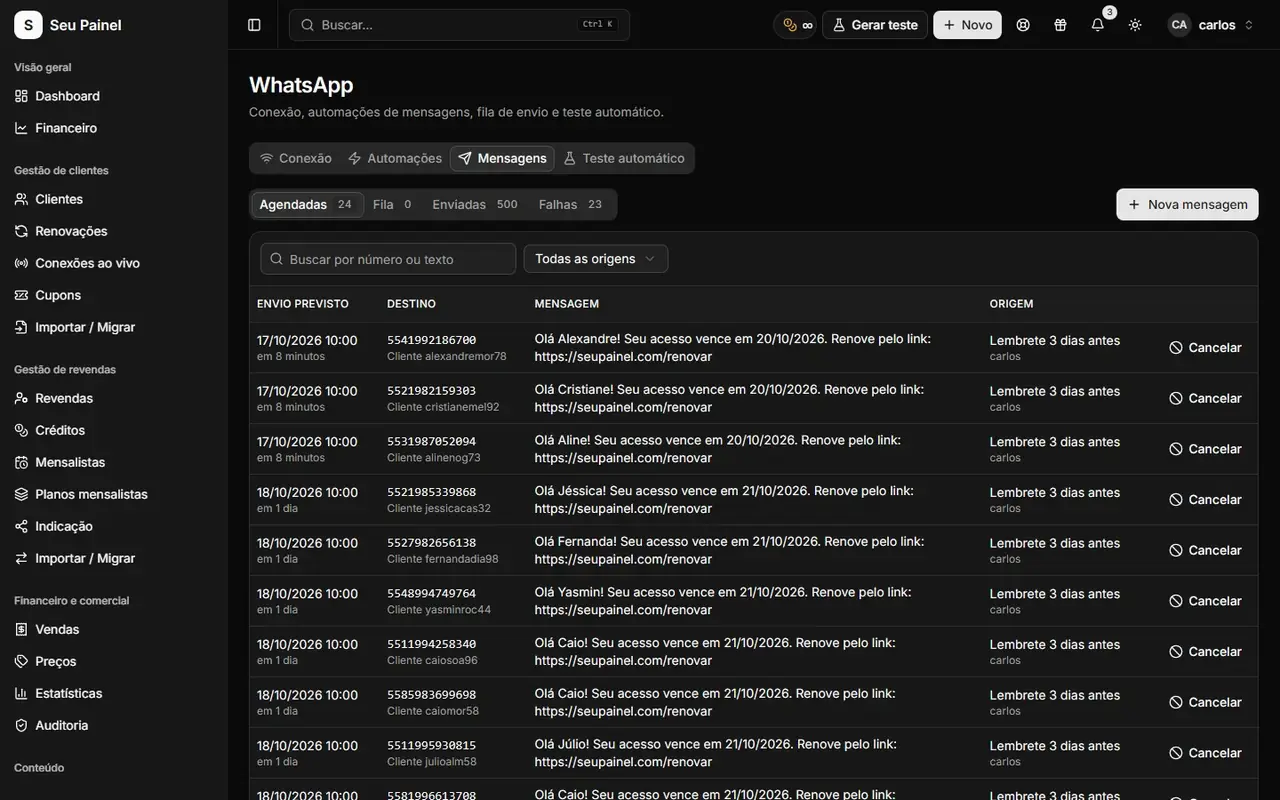
On the WhatsApp screen you follow scheduled, sent and failed messages, so you know exactly what went out to each customer. More ideas in WhatsApp automations against late payments.

E-mail and alerts for your network

Besides WhatsApp, the panel sends e-mail notifications for important situations such as a low credit balance and subscriptions close to expiring. You and your resellers hear about it before it becomes a problem.

REST API and webhooks to connect everything

If you want to go further, there is a documented REST API. Under Settings > API and webhooks you generate a personal token and can read and operate customers, resellers and credits from your own system.

Outgoing webhooks notify your system when something happens in the panel. Available events:

  • customer.created, customer.updated, customer.renewed, customer.deleted
  • reseller.created
  • credits.received

Each delivery is signed with HMAC-SHA256 in the x-blend-signature header, so you can confirm the event really came from your panel. If the destination fails, the panel retries with backoff, and the delivery log shows every attempt with a manual resend option.

Verifying a webhook

On your side, validation is simple: compute the HMAC-SHA256 of the raw request body with your webhook secret and compare it with the x-blend-signature header. If they match, process the event; if not, discard it. That protects your integration against forged calls.

Telegram, e-mail or any system

With webhooks, you pick the channel. A customer.renewed event can trigger a thank-you from a Telegram bot, a transactional e-mail with a receipt, or a flow in your automation tool. A credits.received event can notify the reseller in a group chat. No closed features to depend on.

If your support also runs on tickets, see how the AI assistant helps answer grounded in the knowledge base.
Frequently asked questions

Do I need a WhatsApp provider?

Yes. The panel connects to an Evolution API or BotBot instance, which keeps your number's session. Once connected, sending and automations are handled inside the panel.

Does the panel send Telegram messages on its own?

Telegram is available as a support contact channel. To send automatic Telegram messages, use the webhooks or the API to drive your own bot, for example on every renewal.

Which events do webhooks send?

customer.created, customer.updated, customer.renewed, customer.deleted, reseller.created and credits.received. Every delivery is signed and recorded in the log.

What if my server is down when an event fires?

The panel retries with increasing intervals. The delivery log shows the status of every attempt and lets you resend manually.

See it in action

Join the closed beta and use this module in your business.