Artificial intelligence

Faster support with AI that does not make answers up

Smart answers grounded in the knowledge base, with a confidence check and handoff to a human.

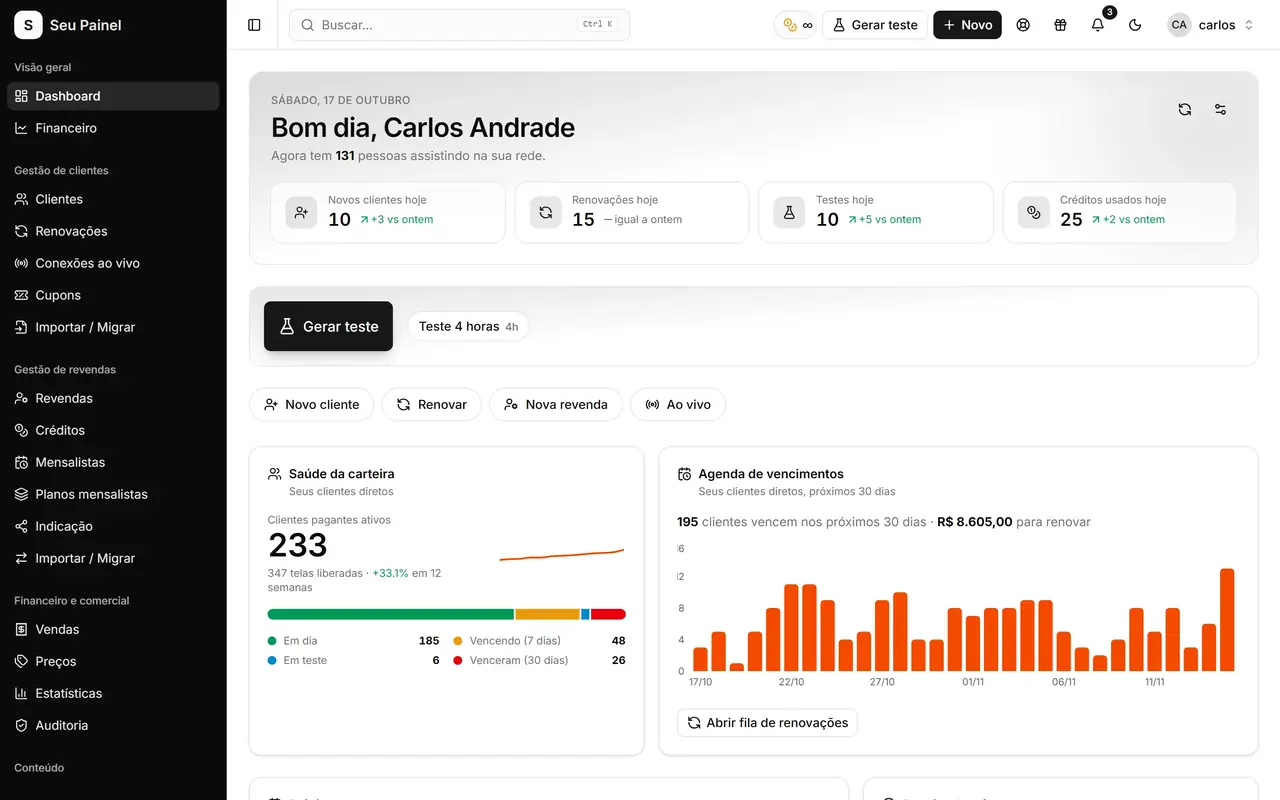
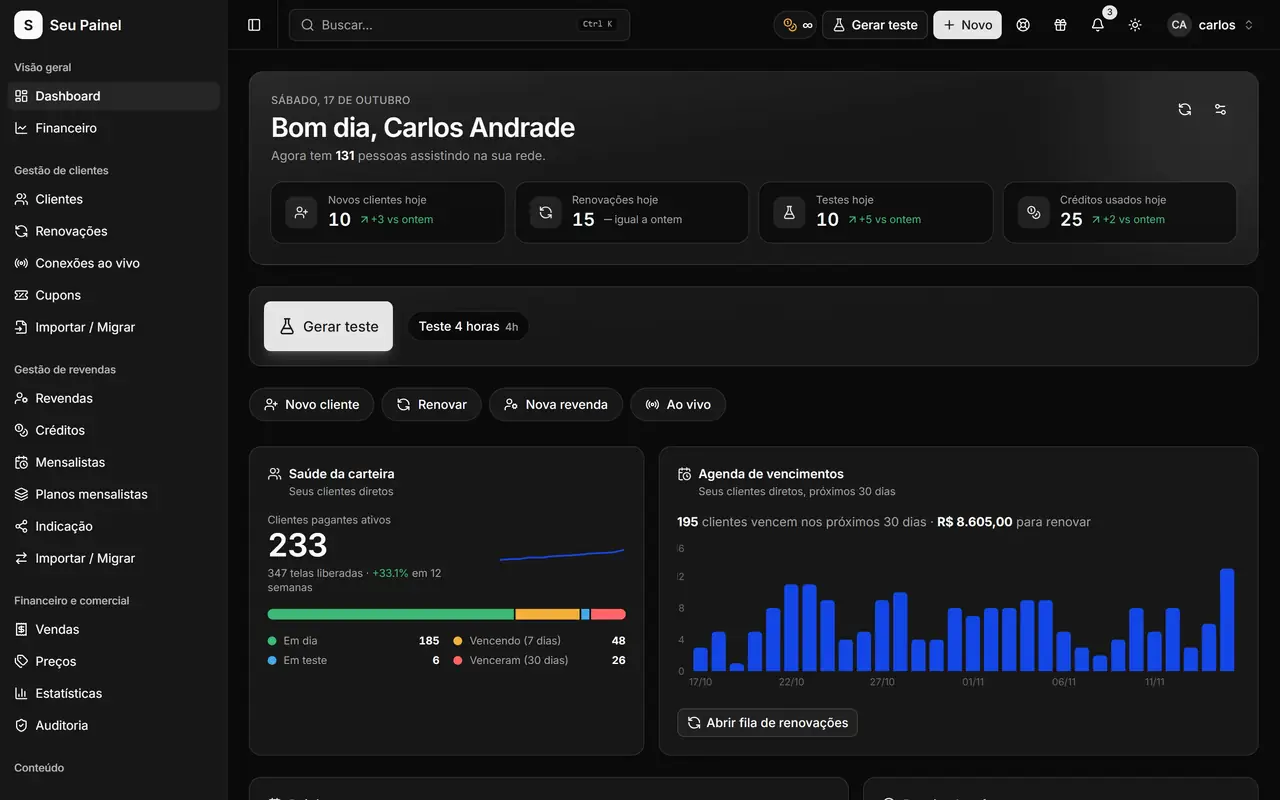
Painel Blend screen: home dashboard with monthly revenue, active customers, expirations and trialsPainel Blend screen: home dashboard with monthly revenue, active customers, expirations and trials

Highlights

Grounded in the knowledge base

The assistant answers using only help center articles, never inventing prices, deadlines or promises.

Confidence check

Before replying, the assistant checks whether the knowledge base covers the question. If it does not, it does not guess.

Handoff to a human

Questions outside the knowledge base go to the team's triage queue, with the ticket context preserved.

Human replies always win

When someone on the team replies, theirs is the final word. The AI never overrides an agent.

Can be switched on or off

AI replies have their own toggle. With AI off, tickets go to the team as usual.

Progressive rollout

AI features arrive gradually and carefully tested, and new uses are on the roadmap.

How it works

  1. 01

    A ticket arrives

    A question is opened through support, just like any ticket today.

  2. 02

    AI checks the knowledge base

    The assistant looks for the answer in published articles and only replies when it is confident.

  3. 03

    Human when needed

    Without a reliable answer, the ticket goes to triage and an agent takes over.

AI with its feet on the ground

Plenty of tools promise a bot that solves everything and then deliver answers that are a little too creative. In Painel Blend, the artificial intelligence integration starts where it is most useful and safest: answering support questions based on what is already documented.

The assistant reads the ticket, looks for the answer in the knowledge base articles and only replies when it finds reliable information. It does not invent prices, deadlines or conditions. If the knowledge base does not cover the question, the right move is to step aside.

Confidence check and triage

Every answer goes through a confidence check. When the assistant is not sure, the ticket goes to the triage queue, where the team sees what needs human attention. The conversation context stays on the ticket, so nobody has to ask everything again.

And the most important rule: the human reply always wins. If an agent joins the conversation, their word is final. The AI supports the team; it does not replace it.

AI replies have their own toggle on the support screen. When it is off, or no AI provider is configured, tickets go to the team as always.

Why it matters day to day

Many support questions repeat: how to set up an app, how to renew, where a certain option lives. When those are answered from reviewed articles, support gets faster and more consistent, and the team gains time for the hard cases. For more on this approach, read AI in customer support.

Better articles, better answers

Because the assistant only answers from the knowledge base, the quality of its replies follows the quality of the articles. Clear, up-to-date help content means more questions solved quickly, and every gap the triage queue reveals is a hint about which article to write next.

Progressive and evolving

AI features are being rolled out progressively, making sure each step works well before the next. The panel evolves constantly: releases show up in What’s new, and you can propose and vote on ideas in the Suggestions board.

Meanwhile, much of your customer communication can already be automated with WhatsApp automations and the API, and trials arrive with the right message thanks to custom playlists.
Frequently asked questions

Can the AI make up an answer or promise something?

It is designed to answer only from knowledge base articles. When the knowledge base does not cover the question, the ticket is handed to a person instead of getting a guess.

Does the AI replace the support team?

No. It handles questions that already have a documented answer and frees the team for cases that need attention. A human reply always takes precedence.

Is it available to everyone already?

AI features are being rolled out progressively. Each release is announced in the panel's What's new section.

Will there be AI in other parts of the panel?

The AI integration keeps evolving. New uses go on the roadmap, and you can suggest and vote on ideas in the panel's Suggestions board.

See it in action

Join the closed beta and use this module in your business.