Trials and playlists

Free trials generated with custom playlists

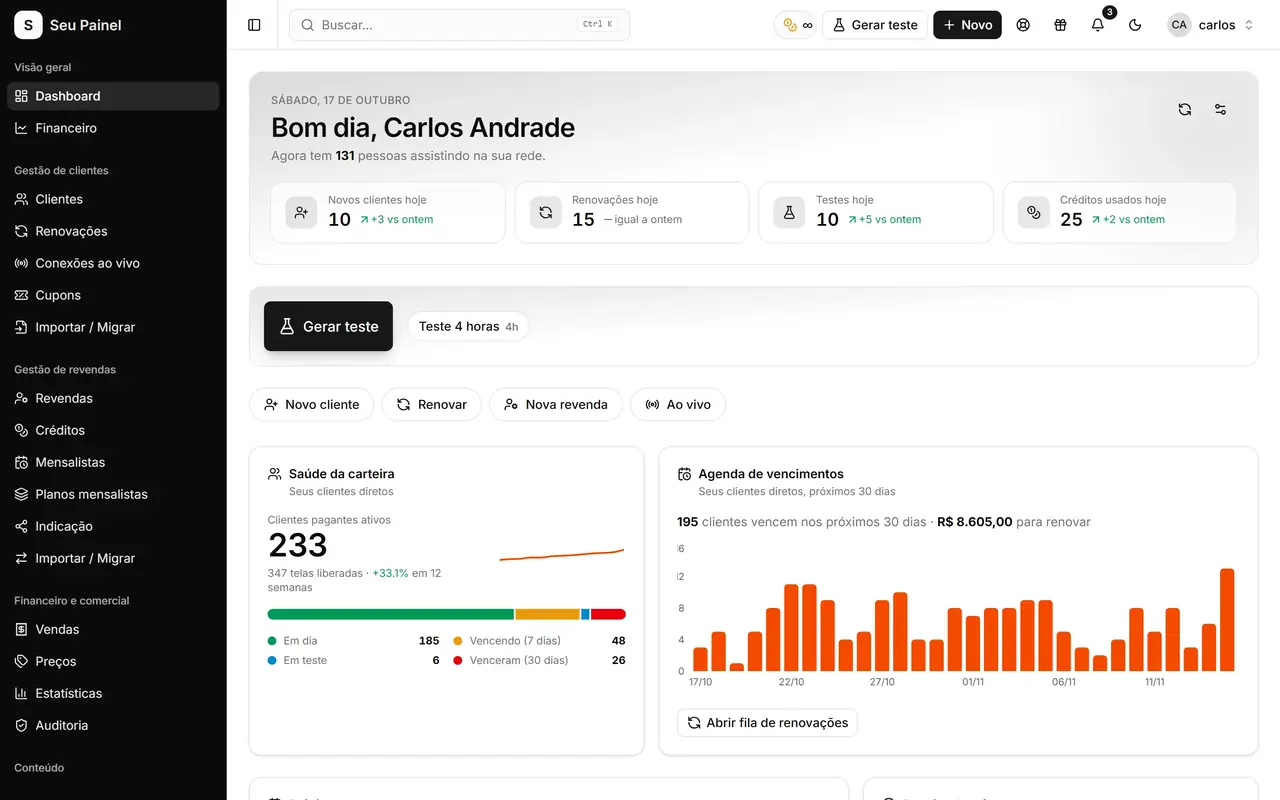
Trial types with their own duration and message, variables with live preview and a trial-to-conversion funnel.

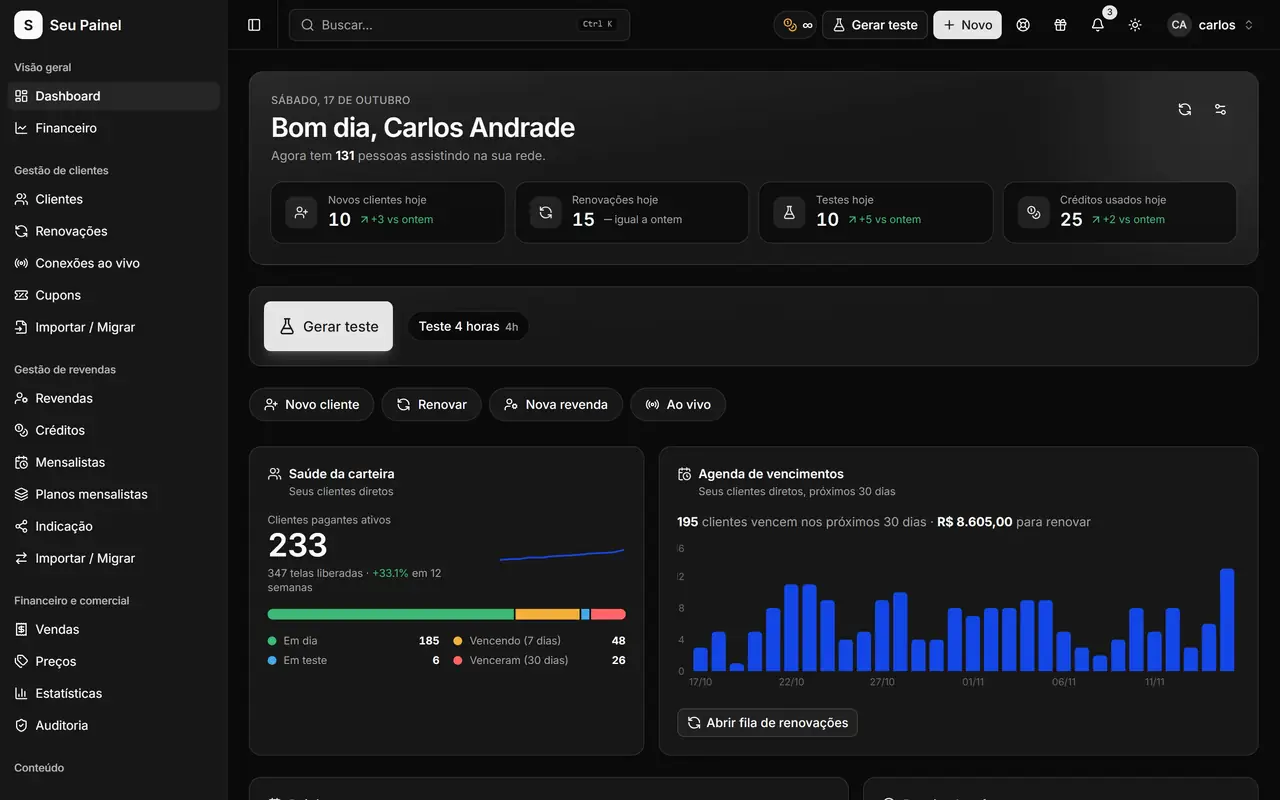
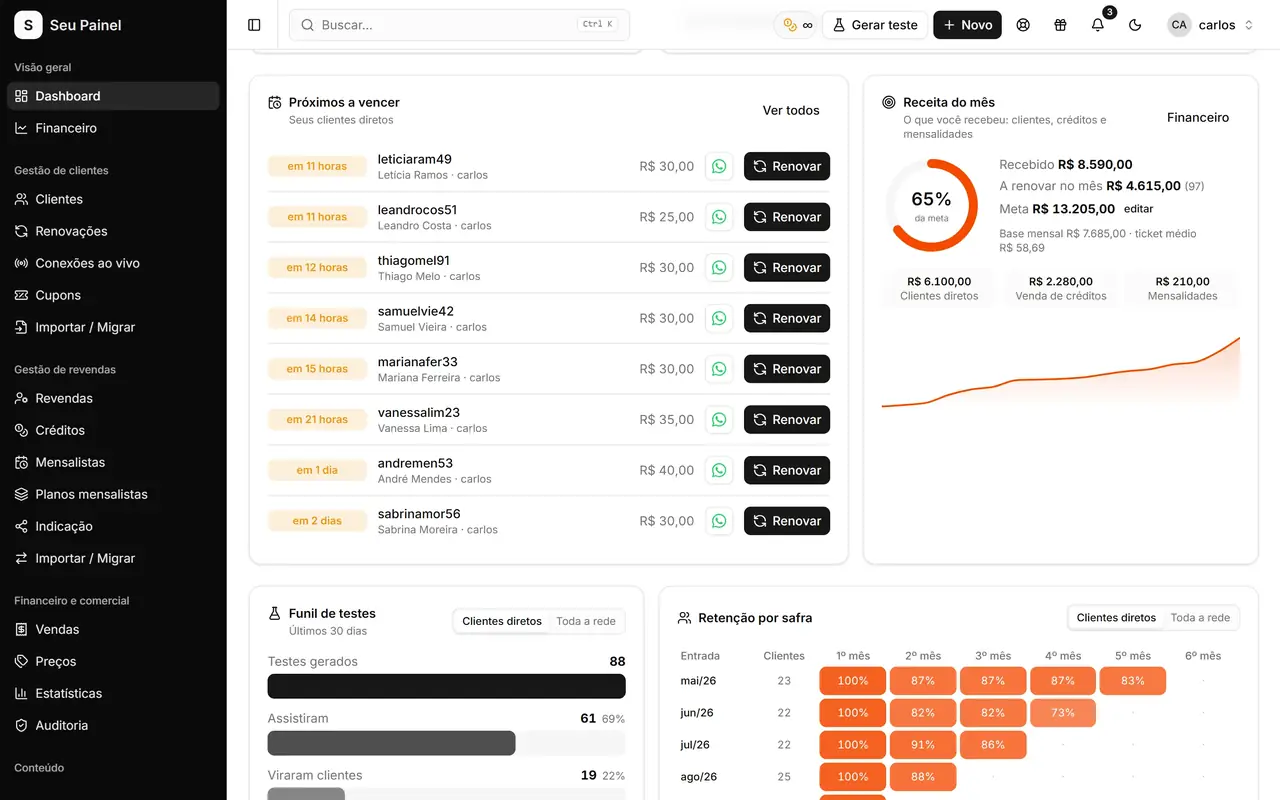
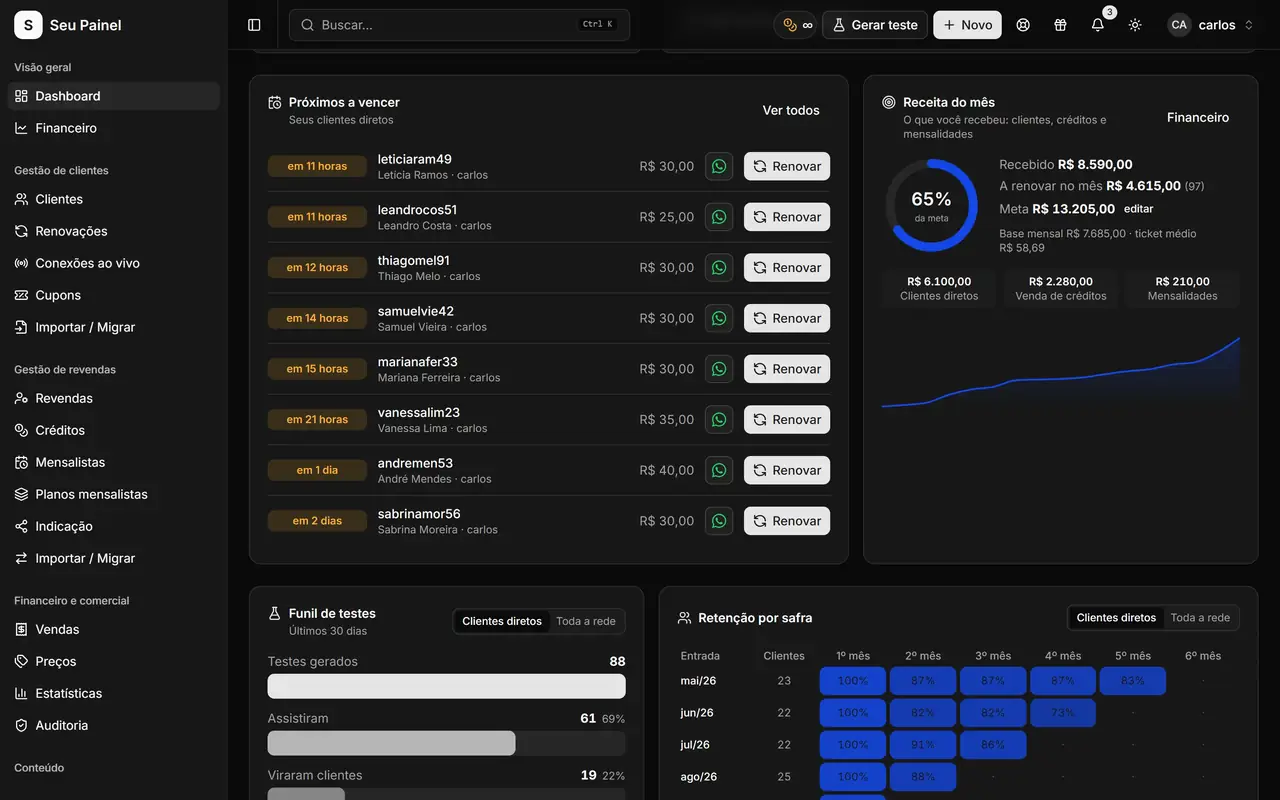
Painel Blend screen: home dashboard with monthly revenue, active customers, expirations and trialsPainel Blend screen: home dashboard with monthly revenue, active customers, expirations and trials

Highlights

Tailored trial types

Create as many trial types as you need, with a duration in hours or days, for each customer profile.

One playlist per trial

Each trial type and each plan points to its own message template with the access details.

Ready-made variables

Use {name}, {username}, {password}, {dns}, {expires_at}, {pay_url} and more to build the message.

Live preview

See the final message with sample data while you edit, before it reaches any customer.

Sent via WhatsApp

Generate the trial and send access by WhatsApp in one click, with the right message already in place.

Trial block and funnel

Prevent free-trial abuse and see on the Dashboard how many trials turned into customers.

How it works

  1. 01

    Build your playlists

    On Playlists, write your messages with variables or start from a ready-made template, checking the live preview.

  2. 02

    Define trial types

    Under Plans and trials, set each trial type's duration and the playlist it sends.

  3. 03

    Generate, send, convert

    Create the trial, send it by WhatsApp and follow the trial-to-conversion funnel on the Dashboard.

The trial is your best showcase

A free trial is a customer’s first real contact with your service. If the message arrives confusing, with missing details or generic instructions, the odds of converting drop. In Painel Blend every trial goes out with a custom playlist: the right message, for the right trial type, with the details filled in automatically.

Playlists: messages with variables and a live preview

On the Playlists screen you write the messages customers receive with their access details. Click a variable to insert it into the text:

  • {name}, {username} and {password} for identification and login;
  • {dns} and access links for each type of player app;
  • {expires_at} with the expiration date and time;
  • {pay_url} with the renewal and payment link;
  • {panel_name}, {package}, {connections} and more.

As you edit, the live preview shows the final message with sample data. You can also start from one of the ready-made templates and adjust it to your style. Tip: adding {pay_url} to the trial message keeps the path to Pix renewal open for anyone who liked it.

Plans and trials with their own rules

Under Plans and trials you define trial types with a duration in hours or days and choose which playlist each one sends. That way you can have, for example, a short trial for people coming from ads and a longer one for referrals, each with its own message. Paid plans follow the same logic, with whichever welcome playlist makes sense.

Once the trial is generated, sending it by WhatsApp takes one click, using the number connected to the panel. See how to set it up in API and WhatsApp automations.

Abuse control and conversion funnel

Free trials attract people who never plan to pay. Trial block stops the same person from taking repeated trials, and Unblock IP instantly releases a legitimate customer blocked by mistake.

To know whether your trials work, the Dashboard shows the trials to conversions funnel: how many trials were generated and how many became paying customers. With that number at hand, comparing messages and durations is easy. More ideas in trials with playlists that convert.
Frequently asked questions

What is a playlist in Painel Blend?

It is the message template customers receive with their access details: username, password, DNS, links and expiration. You write the text with variables and the panel fills them in for each customer.

Can I offer trials with different durations?

Yes. Under Plans and trials you create several trial types, each with its own duration in hours or days and its own playlist.

Do resellers use the same playlists?

Playlists apply to the whole network. Each plan or trial type picks its own, so when a reseller generates a trial the right message is used automatically.

How do I stop the same person from taking several trials?

Turn on Trial block. It stops new trials for people who abused them, and Unblock IP handles legitimate cases.

See it in action

Join the closed beta and use this module in your business.