Resellers and credits

Build your reseller network on credits or a monthly fee

Multi-level reseller tree, credits with a statement, bonus packages, monthly members and a referral program.

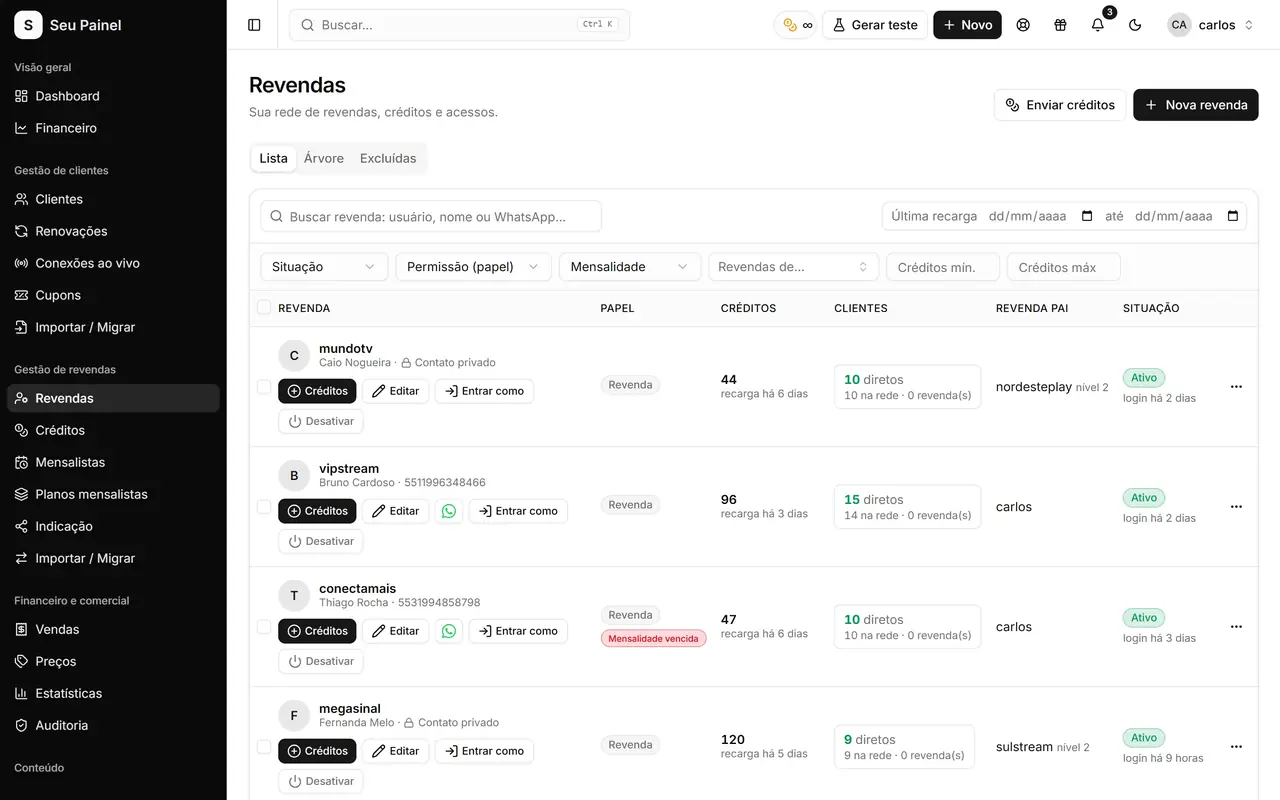
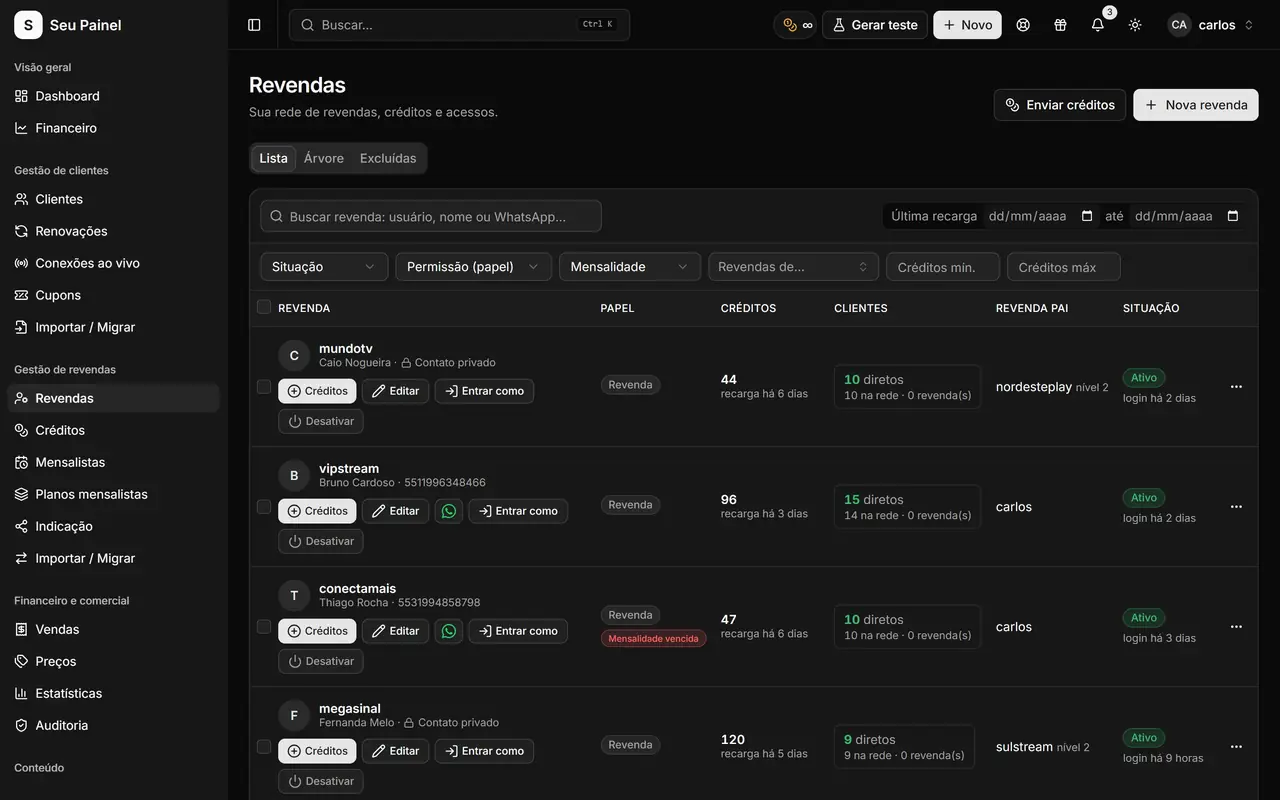
Painel Blend screen: reseller tree with credits and permissionsPainel Blend screen: reseller tree with credits and permissions

Highlights

Multi-level tree

Master, reseller, sub-reseller and as many levels as you need, each one seeing only its own network.

Credits with a statement

Purchases, transfers and credit usage recorded in the Credit statement, so balances are always clear.

Packages and bonuses

Sell credit packages with bonuses to encourage larger purchases, at prices you set.

Monthly members

Resellers who pay a monthly fee instead of credits, with their own renewal page.

Referral program

Reward whoever brings new resellers into your network with the Referral module.

Per-role permissions

Decide what each role can see and do, and track everything in the Audit log.

How it works

  1. 01

    Set prices and packages

    Under Prices, configure your plans, credit packages and bonuses, or a monthly membership plan.

  2. 02

    Create or import resellers

    Add resellers and sub-resellers, or import your whole network from your previous panel.

  3. 03

    Manage the network

    See balances, statements, sales and the full tree, and adjust permissions whenever needed.

A network organized as a tree

In Painel Blend your reseller network is a multi-level tree: you at the top as master, your resellers below, and their sub-resellers as many levels deep as makes sense. Each reseller uses the panel under your brand and only sees their own customers and network, while you keep the full picture.

Per-role permissions define what each level can do: create customers, generate trials, create sub-resellers, transfer credits and so on. The Audit log records who did what, so no change goes unaccounted for.

Transparent credits

In the credit model, every customer creation or renewal uses balance. Resellers buy credits from you, can transfer them to their own sub-resellers, and follow everything in the Credit statement: incoming, outgoing, transfers and usage, all dated.

On the Prices screen you set:

  • your plan prices;
  • credit packages in different sizes;
  • bonuses on larger packages to encourage volume purchases.

When a reseller’s balance runs low, e-mail notifications help keep them from stopping sales for lack of credits.

Monthly members and referrals

Not every reseller wants to work with credits. Monthly members (Mensalistas) pay a fixed monthly fee to use the panel and renew through their own Pix renewal page, the same automatic flow described in Pix renewals.

To grow the network, the Referral module rewards whoever brings in new resellers. Mix both models as you like, depending on each partner’s profile.

Your brand across the network

Your resellers work in the panel under your name, logo and colors, on your domain. To reach the whole network, use Notices, shown to resellers and users when they log in, and Tickets for day-to-day support. Want to sell panels instead of only reselling access? Check out the Become a Reseller program.

Migrate your network without starting over

If you already run a network on another panel, you do not have to re-enter anyone. The Import/Migrate tool brings resellers and customers over, and Sigma users get a dedicated migration that includes credit transactions, packages and membership plans. For ideas on structuring prices and bonuses, read building a reseller network with credits.

Frequently asked questions

What is the difference between credit resellers and monthly members?

Credit resellers spend balance each time they create or renew a customer. Monthly members pay a fixed monthly fee to use the panel and renew through their own renewal page.

Can a reseller create sub-resellers?

Yes, if their role allows it. The tree supports several levels and each reseller only sees what sits below them.

How do I know where the credits went?

The Credit statement records purchases, transfers and usage with date and who did it. The Audit log shows who performed each operation in the panel.

Can I bring my resellers from another panel?

Yes. The Import/Migrate tool brings resellers over, and the Sigma migration also imports credit transactions, packages and membership plans.

See it in action

Join the closed beta and use this module in your business.