Content requests, organized instead of scattered
Anyone working with streaming knows the scene: a customer asks for a channel, a movie or a series over WhatsApp, the message gets buried, nobody knows if it was handled, and the same request comes back next week. In Painel Blend it has a proper home. In Content requests, customers and resellers log what they want and the admin manages everything in one list, updating each request’s status as it moves along.
You win twice: you see the real demand of your base (what gets asked most, what is still missing), and requesters follow progress without starting a conversation.
Show what is new on your servers
The New content screen is a report of what has arrived on your servers. Use it to announce news to your network and customers, either through a notice in the panel or in your WhatsApp campaigns. Fresh content is a great reason to win back customers who are about to expire.
A constantly evolving panel, shaped by its community
Painel Blend is a constantly evolving panel, with content requests built in and a clear way for you to influence the system itself. In Panel suggestions, any user can post an improvement idea and vote on other people’s suggestions. The most voted ones help set priorities, so what goes into the panel comes from people who actually run operations.
When an improvement ships, it shows up in What’s new, the panel’s changelog. That way you know what changed, use new features as soon as they land and don’t have to stumble upon them.
Content and access delivery go together
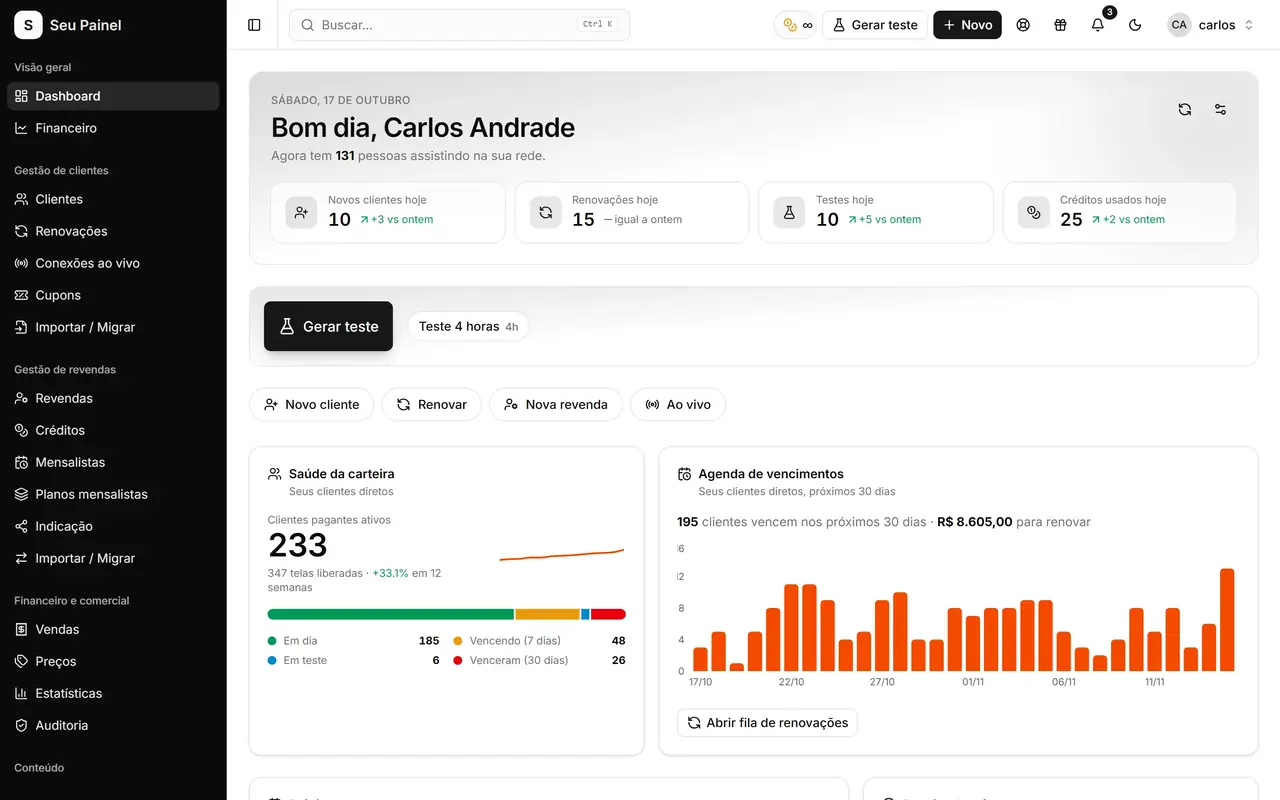
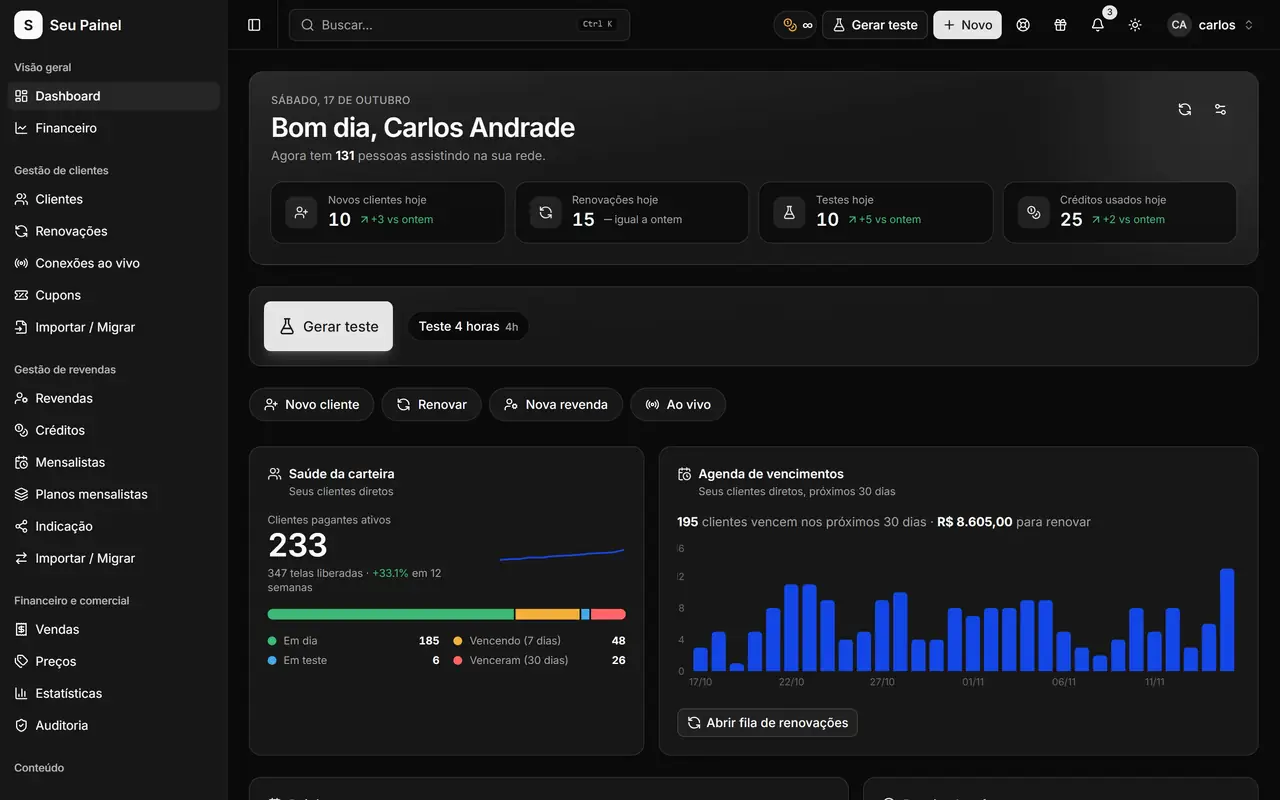
Requests and new content pair well with another part of the panel: playlists, the message templates with access data sent to the customer. If you want every trial to arrive with the right message, see trials and playlists. To explore everything the panel offers, visit the features page.
In practice, a simple routine works well: review open requests a few times a week, update each status and, when something new lands on your servers, notify your network the same day. Similar requests that keep coming back show where demand is; well-voted suggestions show what the community expects from the panel. Together, they help you prioritize based on what your customers actually want.