Support that doesn’t rely on anyone’s memory
When support only happens on a personal WhatsApp, everything depends on who remembered to reply. With Tickets, every help request from your network gets a record, a history and a status. You see what is open, what was solved and who handled it, and no question gets forgotten among hundreds of chats.
For people who prefer messaging, the panel lets you set your Telegram support contact, making it clear where your network should go for help.
Notices: talk to your whole network at once
Planning maintenance, changing prices or launching something new? Instead of sending the same message to every reseller, publish a Notice. It appears to resellers and users inside the panel, right where they already work. Pair it with the content and requests report to announce what has arrived on your servers.
E-mail alerts complete the picture: low balance and expiration alerts arrive before they become complaints.
WhatsApp and automations
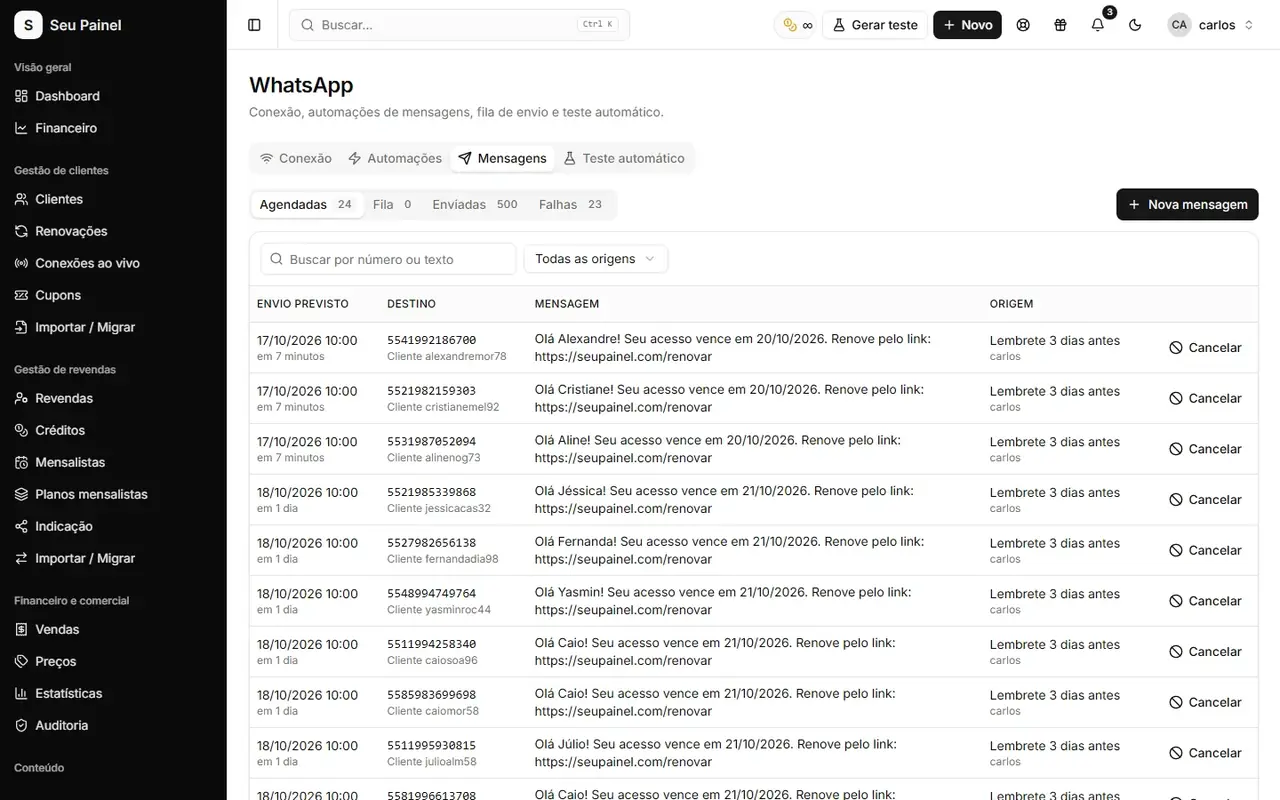
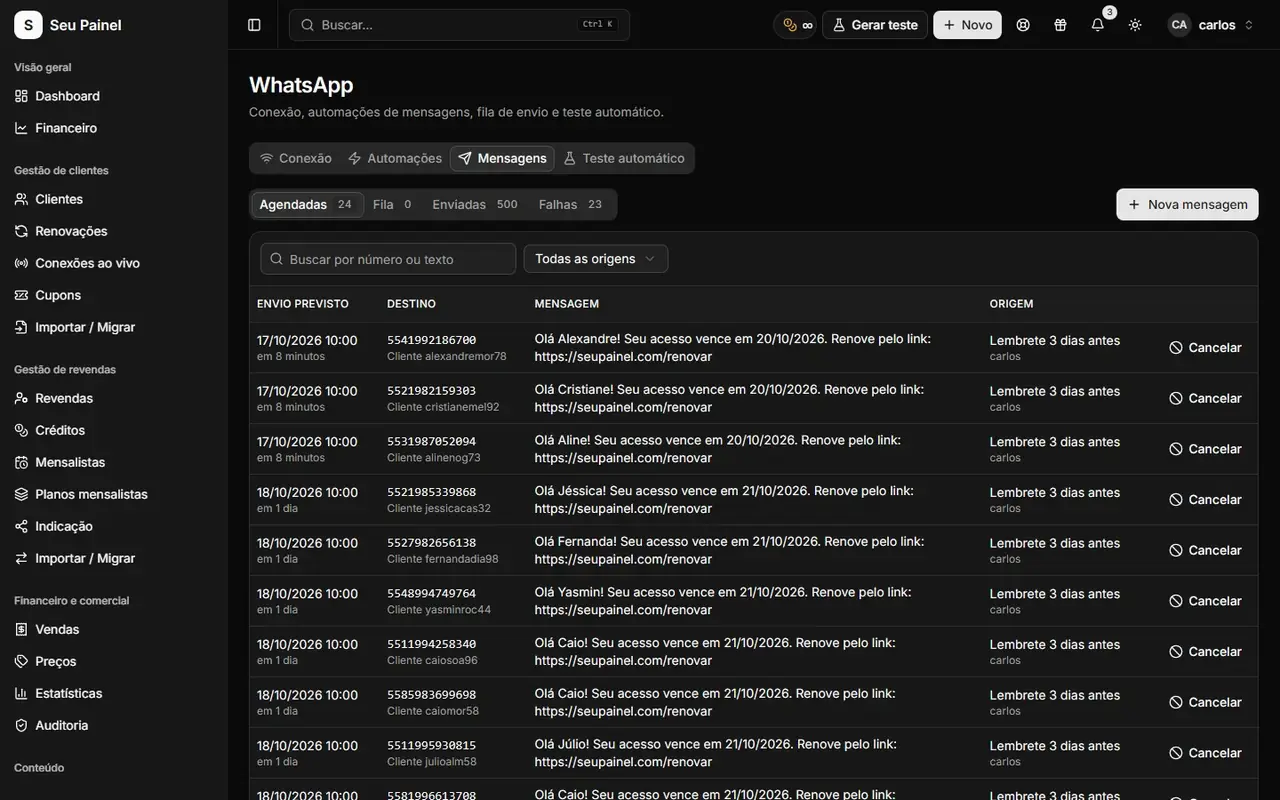
Once WhatsApp is connected (through Evolution API or BotBot), you can follow scheduled, sent and failed messages and turn on automations for welcome messages, expiration reminders and win-back. Fewer manual messages means more time for the conversations that really need you. To integrate with other systems, see the API for WhatsApp, Telegram and e-mail.
Smart replies, with a human in control
Painel Blend includes AI integration for support: an assistant designed to answer tickets using only your knowledge base articles, never inventing prices or promises. It checks how confident it is and, when unsure, sends the case to a human triage queue. A human reply always takes precedence. These features are being rolled out gradually; learn more in artificial intelligence.
To get the most out of this module, combine the channels: keep recurring questions documented in the knowledge base, use tickets for cases that need investigation, notices for general announcements and WhatsApp automations for routine reminders. Each channel does its job, your team stops repeating the same answers and customers get the right information, in the right place, at the right time. Support becomes a strength instead of a bottleneck.