Most late payments on subscriptions aren’t bad faith. They’re forgetfulness. The customer likes the service, but the expiration date slips by, access stops and, by the time they notice, they’ve gone looking for another option.
The good news is that forgetfulness is solved by a reminder in the right place at the right time. And in Brazil, the right place is almost always WhatsApp. This article shows how to build automations that notify customers without you sending messages one by one.
Connecting WhatsApp to the panel
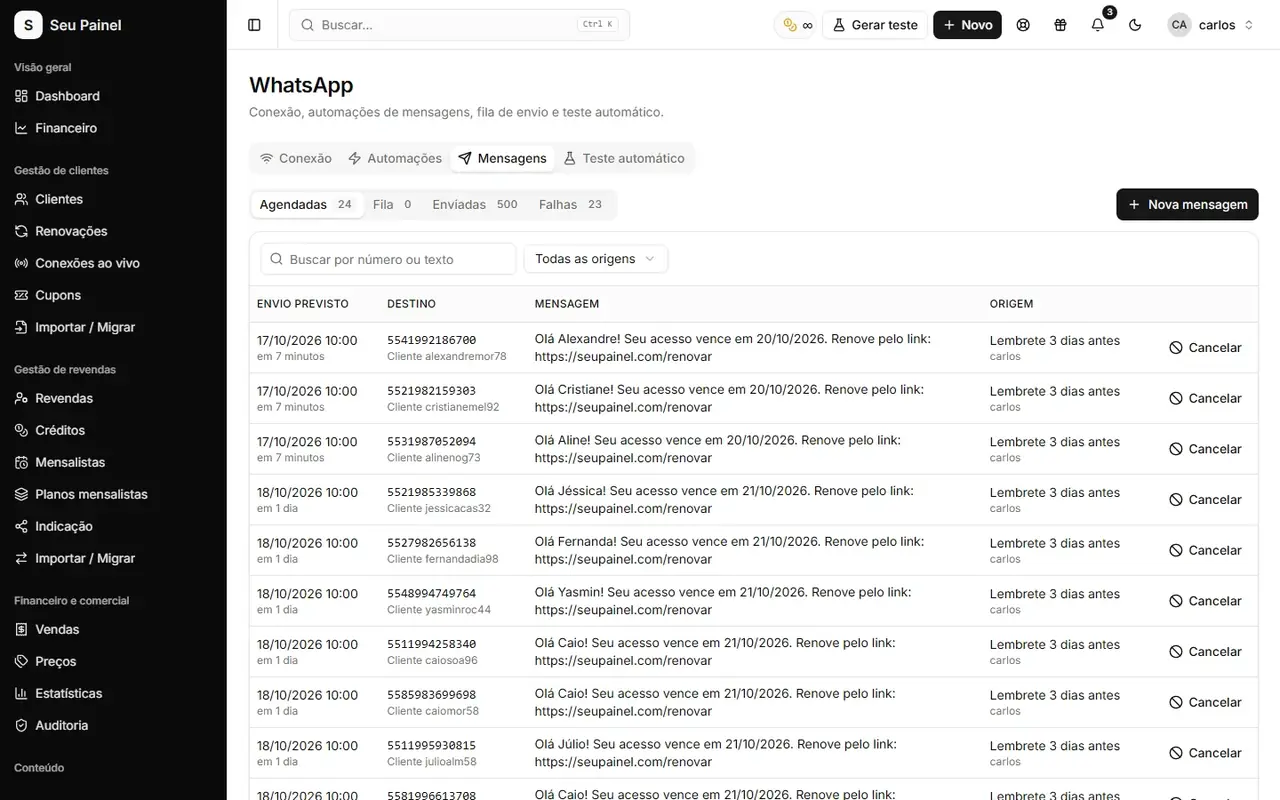
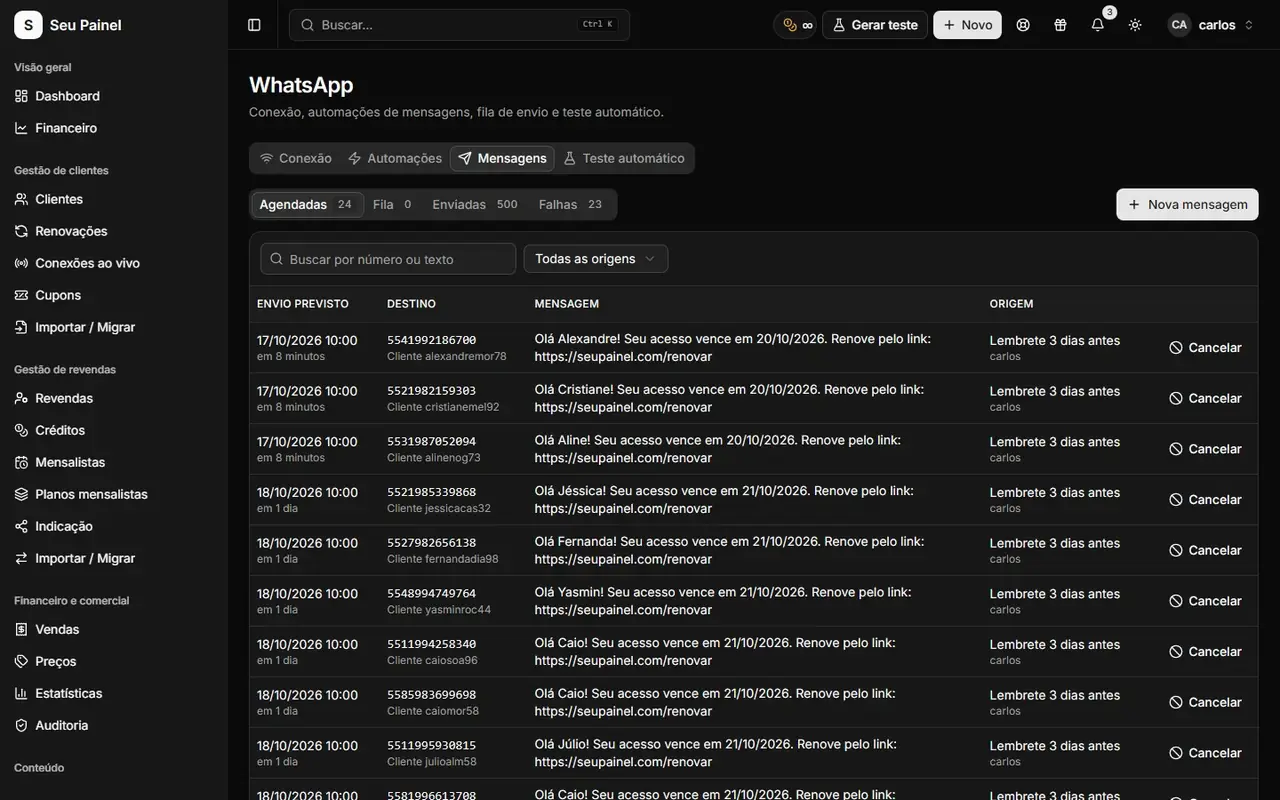
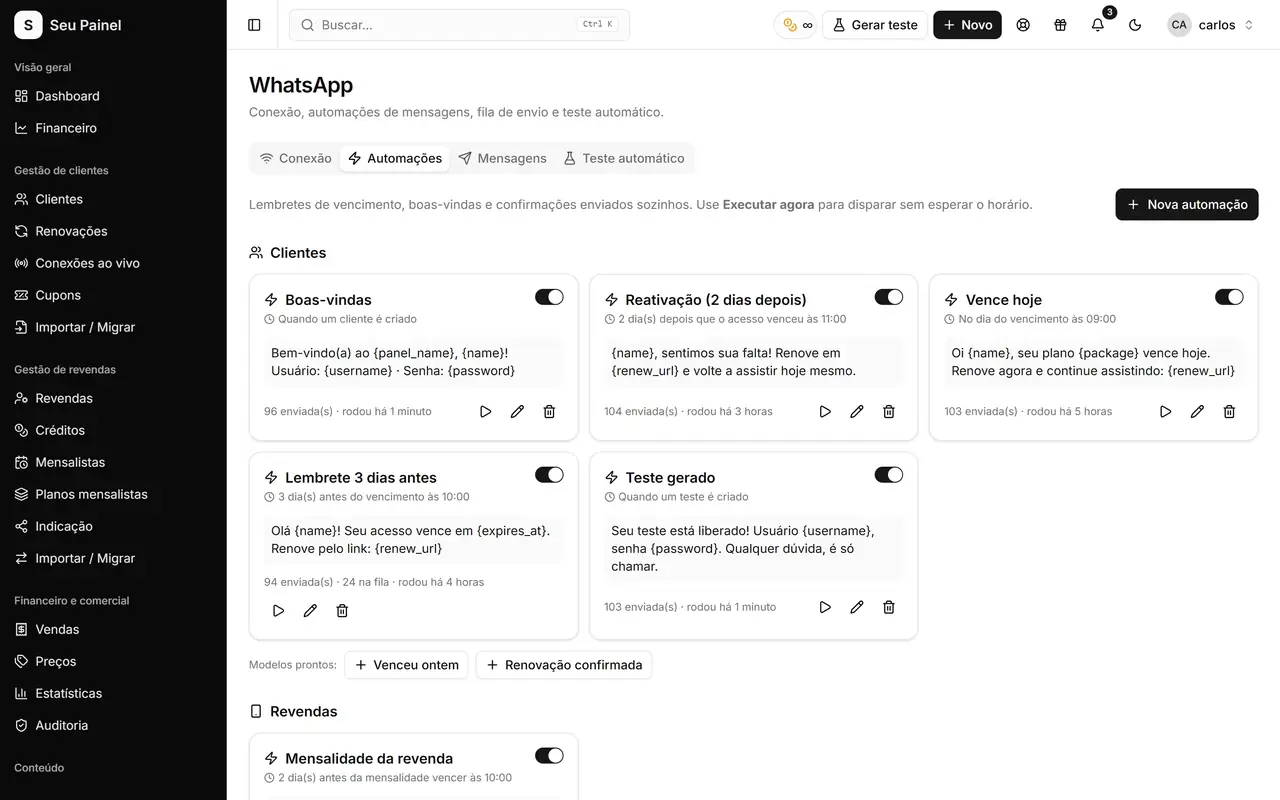
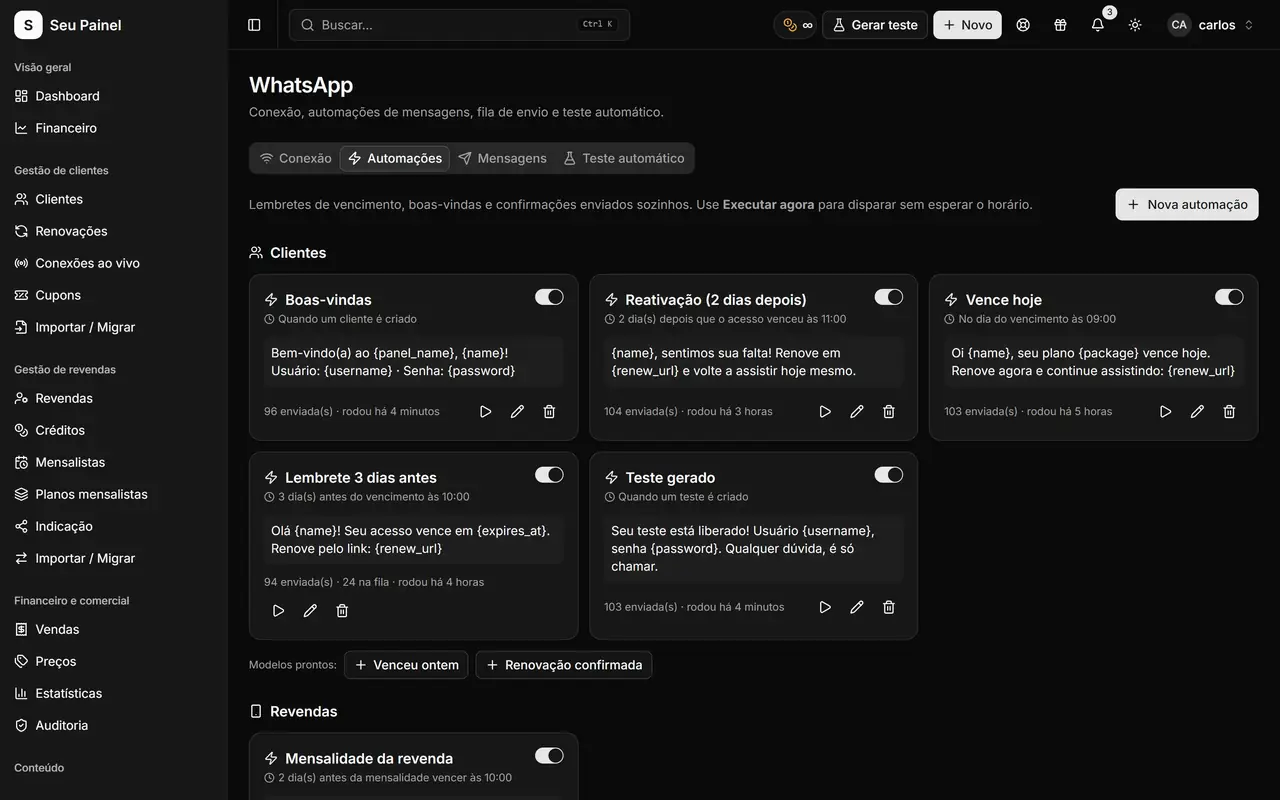
Painel Blend connects WhatsApp through Evolution API or BotBot. Once connected, you follow scheduled, sent and failed messages on a single screen. That matters: an automation that fails silently is worse than no automation at all.
A tip before you start: use a number dedicated to customer service, separate from your personal one. It keeps things organized and protects your main account.
The three automations that matter most
1. Welcome
It might not look related to late payments, but it is. A customer who gets a good welcome, with access details and a support channel, starts the relationship with confidence. And confident customers renew.
What to include:
- A short greeting with the customer’s name.
- Access details, or where to find them.
- How to ask for help.
2. Expiration reminder
This is the main automation against late payments. It warns the customer before expiration, with a link to renew. If you already use automatic Pix renewals, the customer taps the link, pays and is renewed instantly.
Good practices:
- Put the renewal page link right in the message.
- State the expiration date clearly.
- Keep it short. Long WhatsApp messages become “I’ll read it later”.
3. Reactivation
The date passed and the customer didn’t renew. The reactivation message is your chance to bring them back. The tone here is an invitation, not a collections notice.
One approach: mention that access has expired, offer the reactivation link and make support available. If it fits your business, a discount coupon can help, since the panel lets you create coupons.
A simple cadence to start with
| When | Automation | Goal |
|---|---|---|
| When the customer is created | Welcome | Start the relationship well |
| Before expiration | Expiration reminder | Prevent forgetting |
| After expiration | Reactivation | Win back those who didn’t renew |
Start with this baseline and adjust to how your customers respond. There is no perfect cadence for everyone.
Beyond WhatsApp: Telegram and email
Not every notice has to go through WhatsApp. The panel also sends email notifications, such as low balance and upcoming expirations, and lets you set a Telegram support contact. Using more than one channel helps when customers change numbers or rarely open WhatsApp.
Webhooks and API: tailor-made automations
If you want to go beyond the built-in automations, Painel Blend offers a documented REST API and outgoing webhooks. Webhooks fire on events such as:
customer.createdcustomer.updatedcustomer.renewedcustomer.deletedreseller.createdcredits.received
That lets you connect the panel to any system: your own Telegram bot, an email marketing tool, a spreadsheet. Each delivery is signed with HMAC-SHA256 in the x-blend-signature header, so you can verify the call really came from the panel. If a delivery fails, the panel retries with growing intervals, and you can still check the delivery log and resend manually.
A practical example: when customer.renewed arrives, your system sends a personalized “thanks for renewing”. A small gesture that makes a big difference in how customers see you.
Common automation mistakes
Sending too many messages. A daily reminder becomes spam and the customer blocks your number. A few well-timed messages work better.
Aggressive collections tone. A customer who forgot doesn’t need to be treated as a debtor. A friendly tone wins back more people.
Not monitoring failures. Check the failed messages list regularly. Wrong numbers and disconnected WhatsApp sessions happen.
Reminders without a link. Without a renewal link, the customer has to message you, and manual support is back.
Skipping tests. Register one of your own customers and follow the whole flow before turning it on for your entire base.
Automate what you do by hand today
See every feature on the API, WhatsApp, Telegram and email page. To build your automations, request access to the closed beta or join the waitlist. And to measure the effect on your base, check the guide on MRR and retention metrics.