If you sell subscriptions, you know the routine: a customer sends a payment receipt on WhatsApp, you check your banking app, open the panel, search for the customer and renew. Multiply that by dozens of expirations a day and renewals become a second job.
Automatic Pix renewals flip that around. The customer opens the renewal page, pays with Pix and gets renewed right away, without you touching anything. This article shows how the flow works in Painel Blend and how to set it up properly.
How the flow works
The customer’s path is short:
- They get an expiration reminder with a link to the renewal page.
- On the page, they pick the plan and generate a Pix charge.
- They pay in their banking app.
- The panel detects the payment and renews access automatically.
On your side, the sale is recorded and the customer’s expiration date is already updated. You just keep an eye on it.
No webhook setup required
A detail that matters day to day: payment confirmation works without configuring webhooks on the gateway. The panel checks the charge status itself. That removes one of the steps that most often trips people up, and avoids the classic “the customer paid but wasn’t renewed because the webhook was wrong”.
Pix orders expire after 48 hours
Each Pix order generated on the renewal page is valid for 48 hours. After that it expires and the customer generates a new one, so you don’t end up with old charges left open forever.
Choosing a gateway
Painel Blend works with well-known Brazilian payment gateways. You connect your own account and the money goes straight to you.
| Gateway | Note |
|---|---|
| Mercado Pago | Popular and easy to open an account |
| Asaas | Good if you already use it for other billing |
| Woovi (OpenPix) | Pix-focused |
| PaggPay | Another Pix option |
There is no single “best” gateway. Compare fees, settlement time and how easy it is to open an account in your case. What matters is picking one and testing the full flow before sharing the link with your base.
Customize the renewal page
The renewal page is the face of your business at payment time, which is why it is editable: you adjust copy, look and branding. A few practical tips:
- Make it obvious what is being renewed. A visible plan name and duration prevent confusion and support requests.
- Use your brand. The same logo and colors as your panel build trust at checkout.
- Keep the copy short. Nobody reads paragraphs on a payment screen. One line saying renewal is automatic is enough.
- Add a help channel. A support contact for anyone having trouble with their bank.
If you run your own domain, the page lives on your address too. The guide on white label with your own domain explains the setup.
Reminders: the other half of renewals
A renewal page without reminders is a shop without a window. Customers need a heads-up before they expire, with the link in hand.
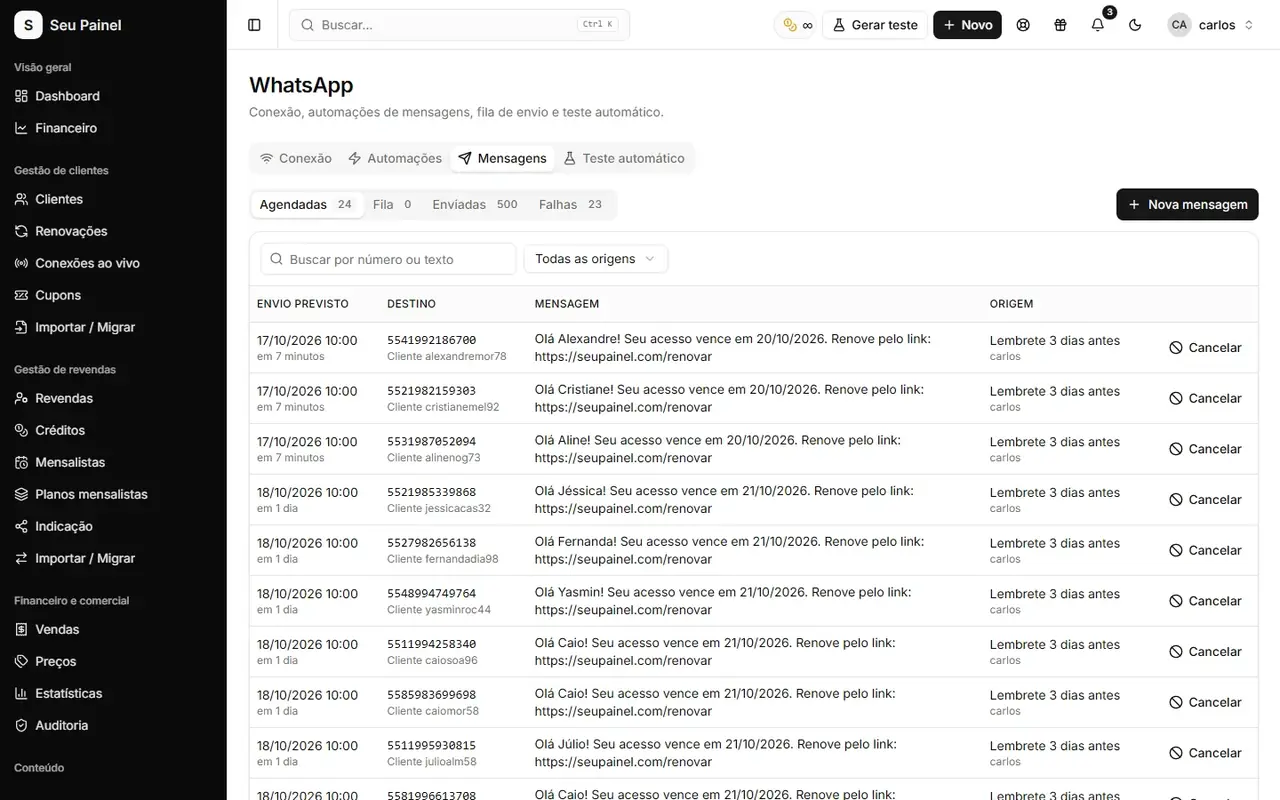
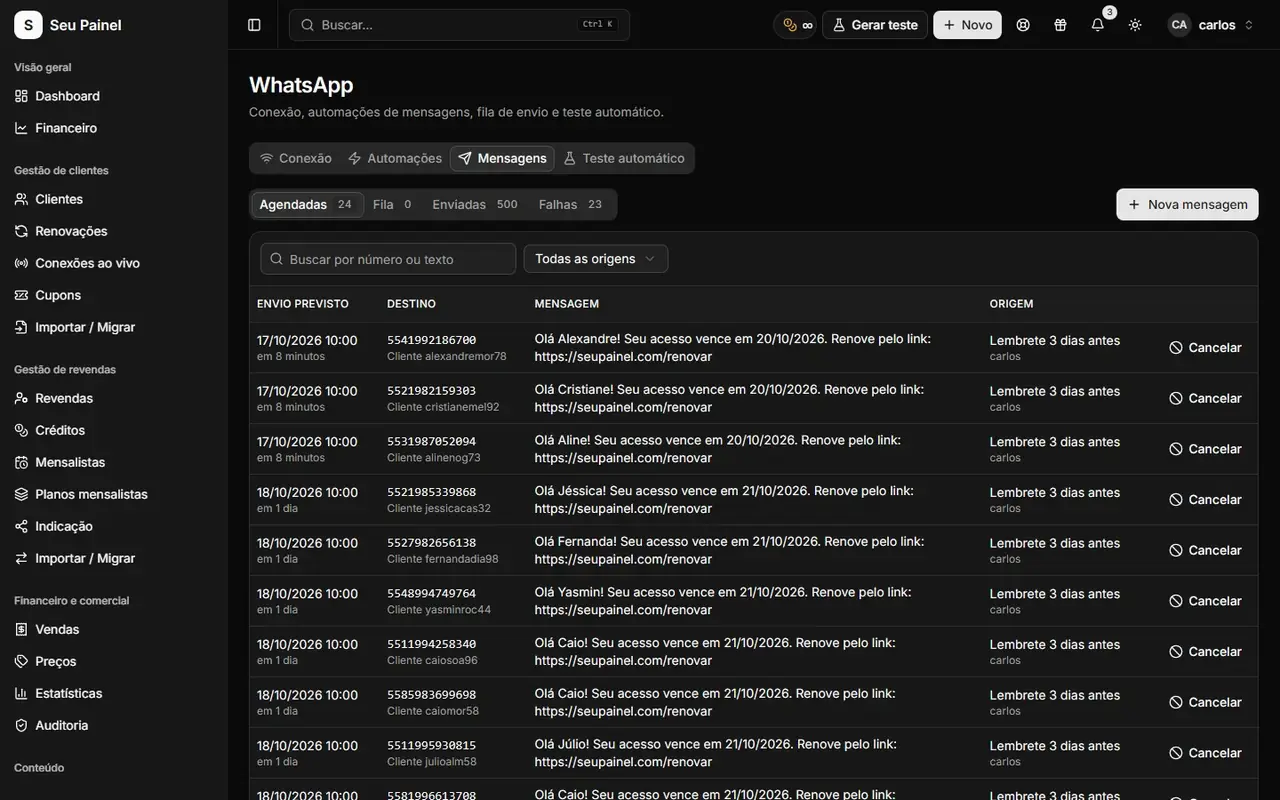
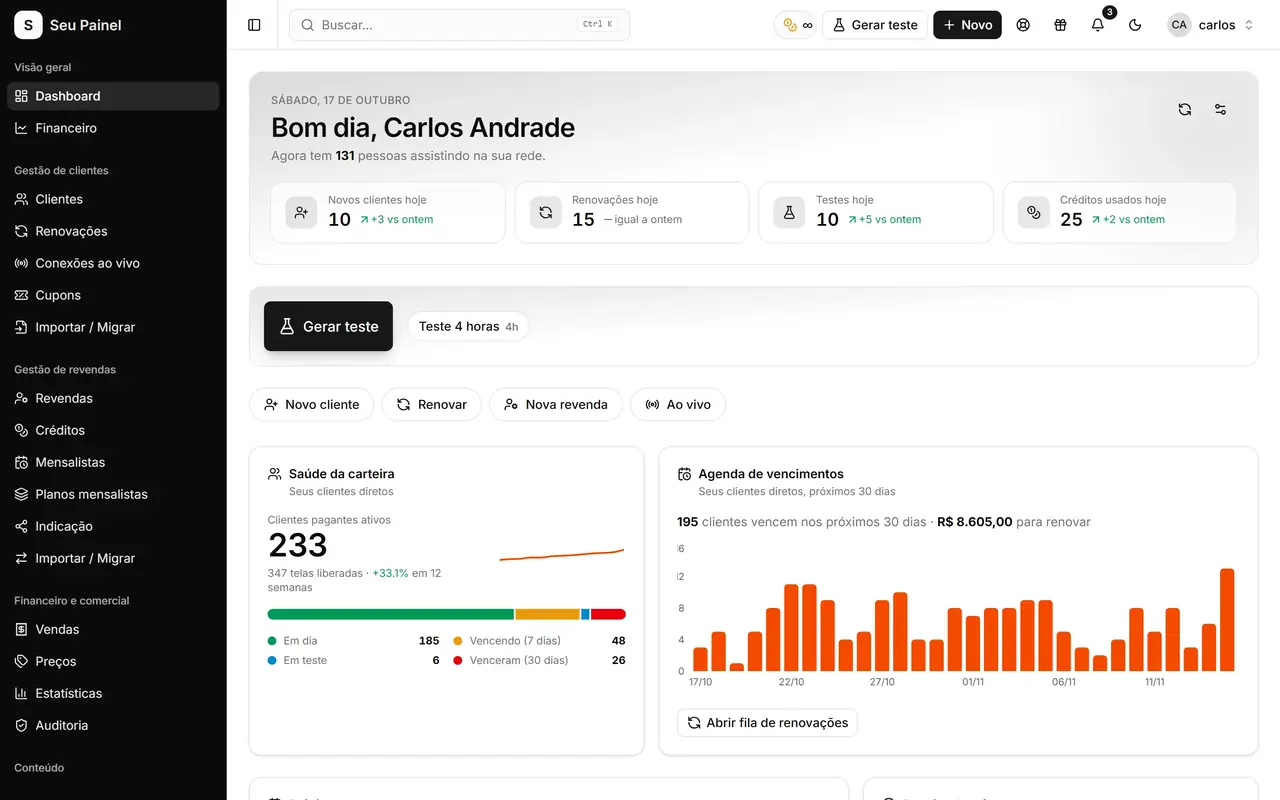
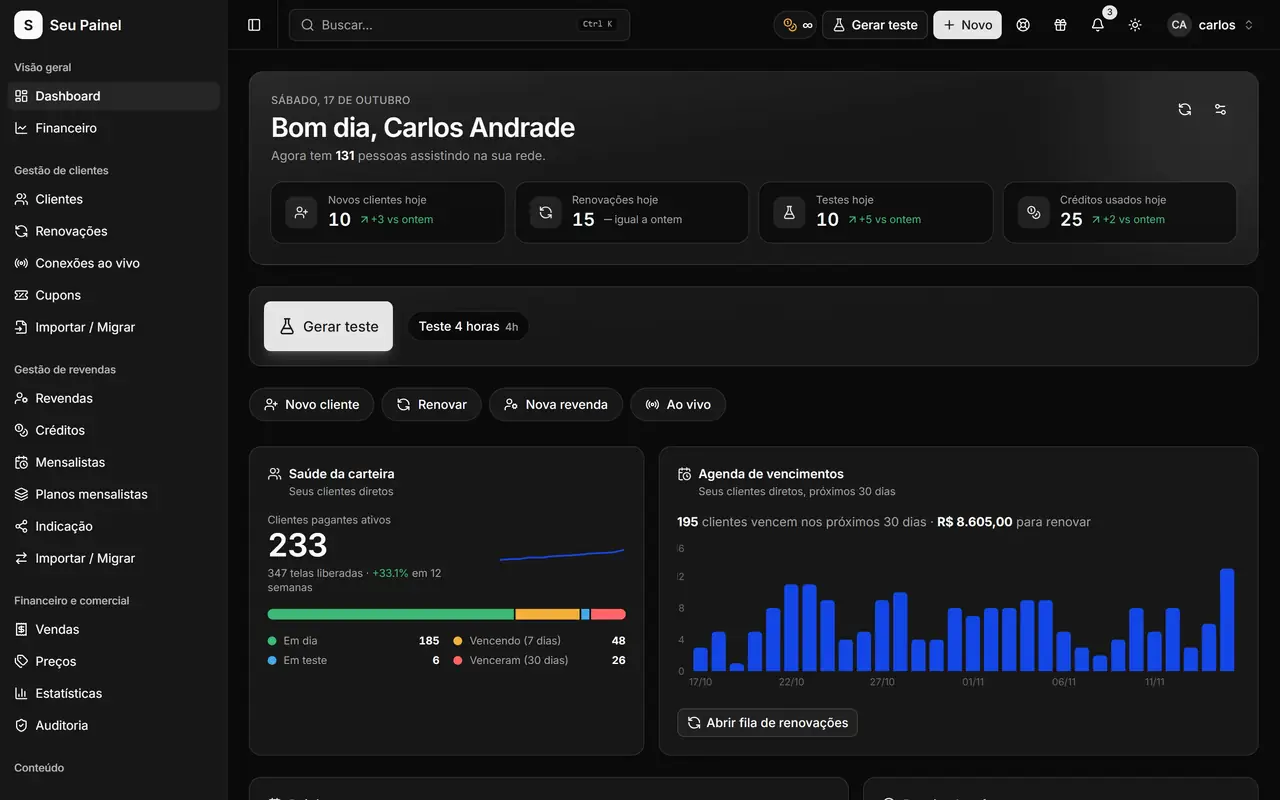
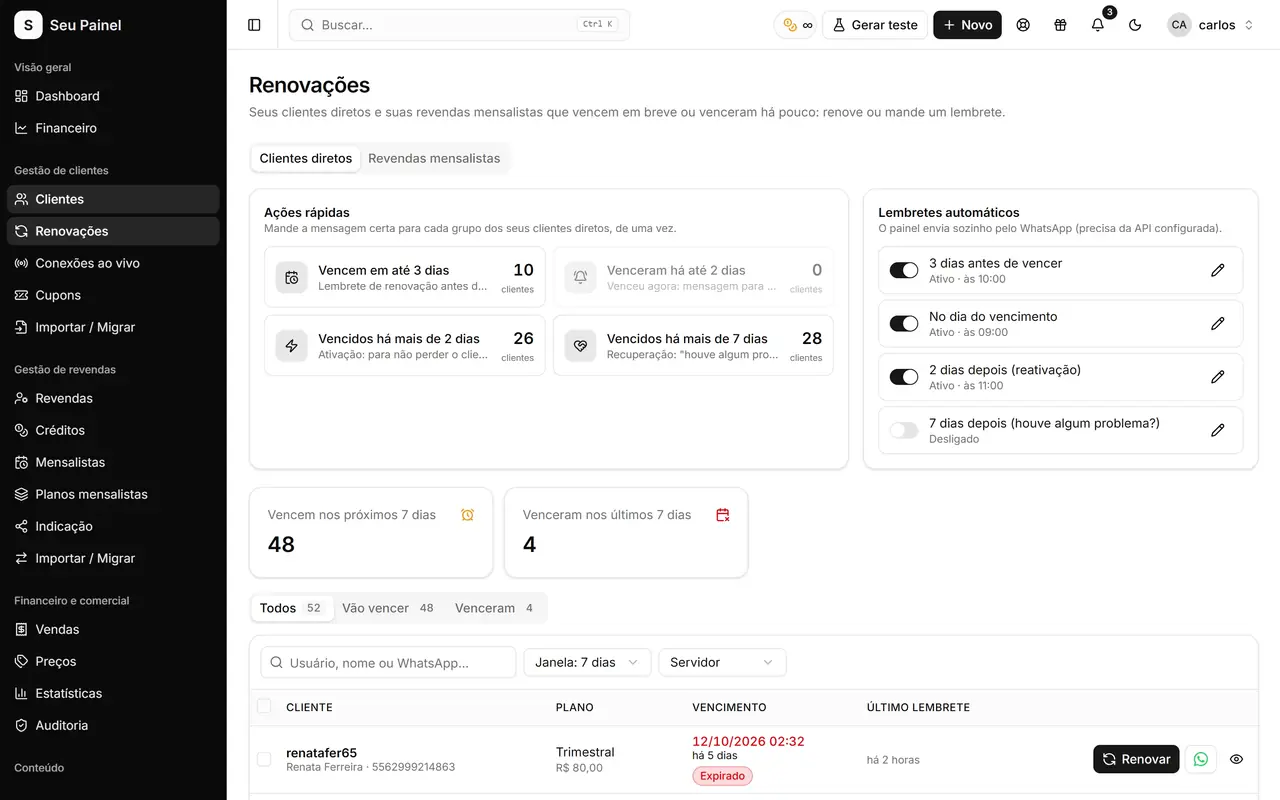
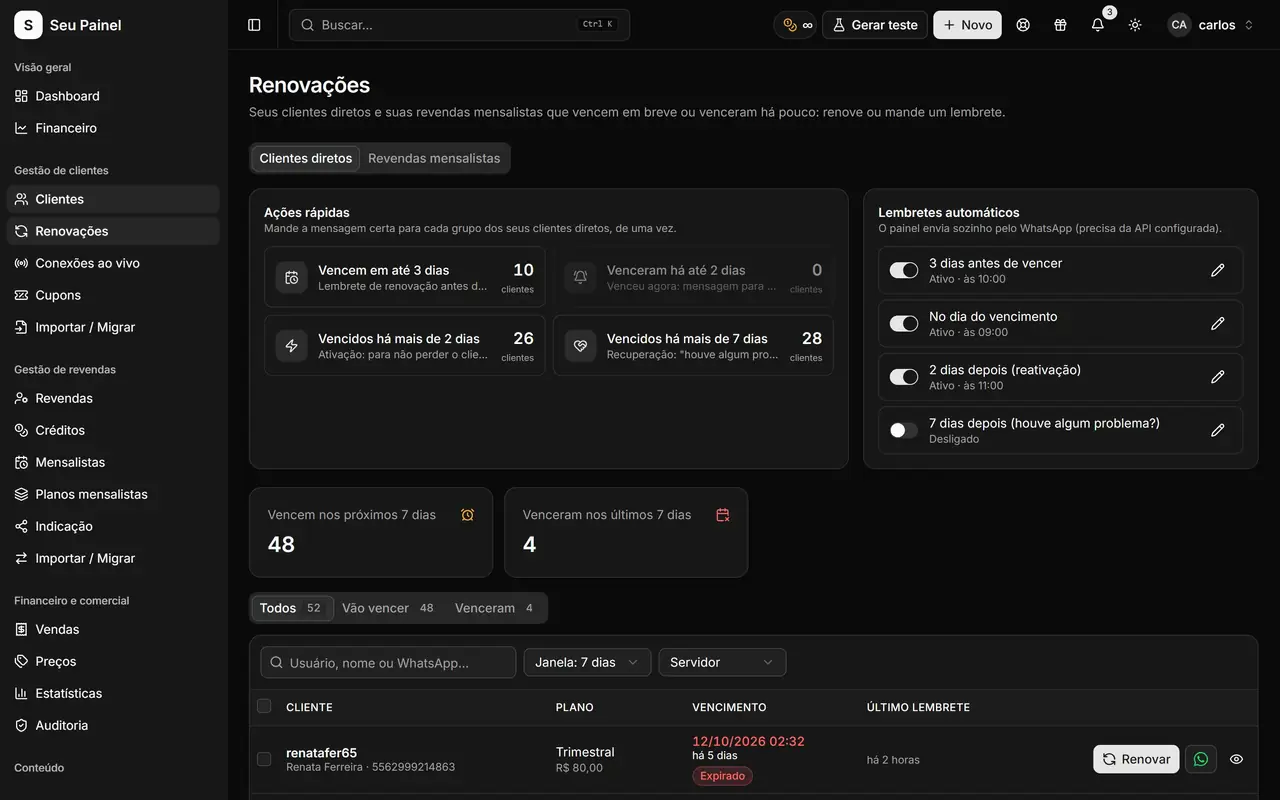
The Renewals screen lists upcoming expirations with quick actions, and automatic reminders handle the notice. With WhatsApp connected, the expiration reminder automation sends the message on its own. Want to go further? See how to build WhatsApp automations against late payments.
When to remind
There is no universal rule, but a simple sequence works for most businesses:
- A few days before expiration: a friendly heads-up with the link.
- On the expiration day: a short, direct reminder.
- After expiration: a reactivation message, without an aggressive collections tone.
Test the cadence and adjust it to how your base responds.
Setup checklist
Before announcing automatic renewals to customers, check:
- Gateway connected with your account
- Plans with correct price and duration
- Renewal page with your brand and reviewed copy
- An end-to-end test with one of your own customers (generate Pix, pay, see the renewal)
- Expiration reminders turned on with the page link
- Team knows where to look up sales
Common mistakes
Announcing before testing. Make a real low-value payment and confirm the customer was renewed.
Outdated plan prices. Customers pay whatever the page shows. Review prices every time your price list changes.
Reminders without a link. The customer reads it, thinks “I’ll do it later” and forgets. The link is what turns a reminder into a payment.
Renewing by hand out of habit. If the customer already paid through the page, they are already renewed. Renewing again manually adds extra days.
Start renewing on autopilot
See all the details on the Pix renewals page. To use it in your business, request access to the closed beta or join the waitlist.