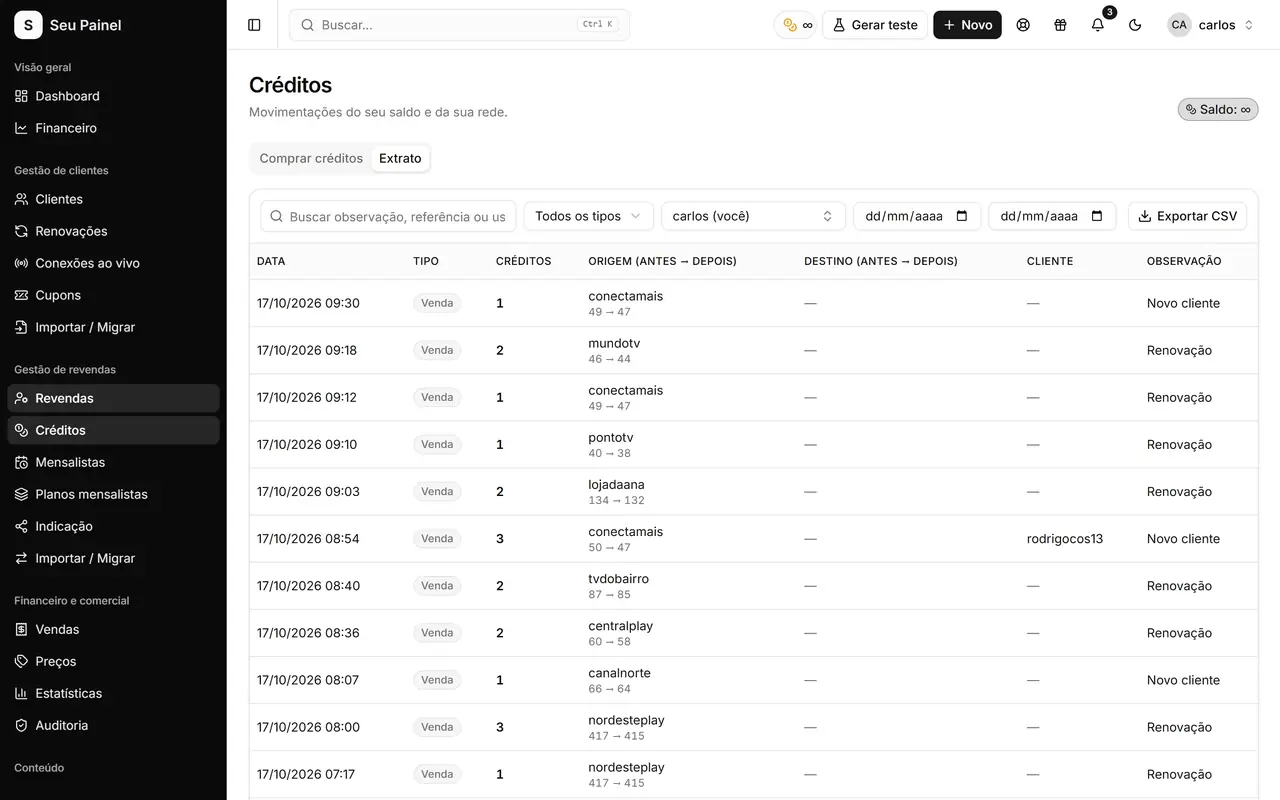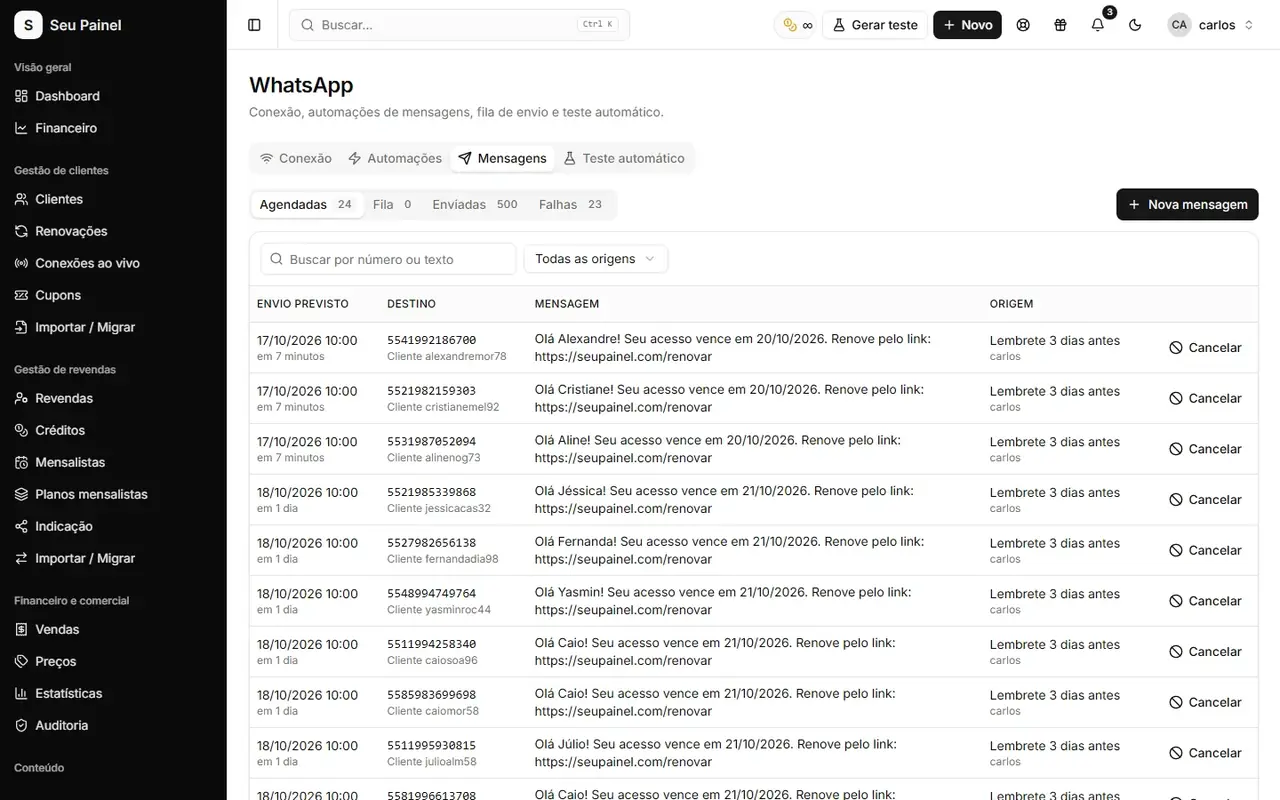
Your panel holds everything that keeps the business running: customers, expirations, reseller credits and payment history. If someone logs in with a leaked password, deletes customers or moves credits around, the damage goes beyond money. You lose time, trust and sometimes the base itself.
The good news is that most problems are prevented by a few well-configured layers. This guide shows what they are and how to put them in place.
Four layers of protection
Think of security as layers. If one fails, the next one holds:
| Layer | Protects against | Panel feature |
|---|---|---|
| Access | Leaked or guessed passwords | 2FA (TOTP) and inactivity logout |
| Permission | Users doing what they shouldn’t | Role-based permissions |
| Traceability | Mistakes or bad faith with no known author | Audit log |
| Recovery | Accidental deletion or failure | Automatic backups and restore |
Layer 1: 2FA at login
Two-factor authentication (2FA) asks for a six-digit code from an authenticator app on your phone, on top of your password. Even if someone learns your password, they can’t get in without your phone.
How to turn it on safely:
- Install an authenticator app on your phone.
- In the panel, enable 2FA in your profile and scan the QR code with the app.
- Enter the generated code to confirm.
- Keep recovery codes or instructions somewhere safe, away from the phone.
Start with the most powerful accounts: yours, your partners’ and whoever manages resellers. Then ask the team to do the same.
Inactivity logout complements 2FA: if someone leaves the panel open on a shared computer, the session ends on its own.
Layer 2: role-based permissions
Not everyone needs to see or do everything. Support staff don’t need to touch prices. Whoever handles finance doesn’t need to delete resellers.
Good practices:
- Create roles by function, not by person: support, finance, reseller management.
- Start with the minimum and grant more as real needs come up.
- Review roles whenever someone joins or leaves the team.
- Remove access the same day someone stops working with you.
The same goes for your reseller network: each level only sees and manages what sits below it. More on that in the guide on reseller networks with credits.
Layer 3: an audit log of who did what
The audit log records important actions in the panel: who created, edited, renewed or deleted something, and when. It helps in three ways:
- Settling questions fast. “Who renewed this customer?” becomes a lookup, not an argument.
- Finding mistakes. A price changed by accident shows up with a date and an author.
- Discouraging abuse. When the team knows actions are recorded, people are more careful.
Set aside a few minutes a week to check sensitive actions such as deletions and credit transfers.
Layer 4: automatic backups
A good backup runs on its own, and you have already tested restoring it. In Painel Blend you schedule automatic backups and can also export, import and restore whenever you need.
Backup checklist:
- Turn on scheduled backups. Don’t rely on remembering.
- Export a copy now and then and store it outside the panel.
- Take a manual backup before big changes, such as imports, migrations or bulk edits.
- Test a restore at least once, so you know how it works before you need it.
If you are coming from another system, back up before importing. The step-by-step is in the post on migrating from Sigma without losing data.
Other everyday protections
- Maintenance mode: pauses access while you make important changes.
- Trial block: stops the same person from abusing free trials.
- IP unblock: quickly frees a customer who was blocked by mistake.
- Data isolation: the cell-based architecture keeps each panel’s data separate from the others.
Mistakes that expose a panel the most
- Sharing one admin password among several people.
- Leaving former staff with active access.
- Never having tested a backup restore.
- Reusing the panel password on other services.
- Running bulk imports without a backup first.
Quick checklist
- 2FA on every admin account
- Permission roles by function
- Access reviewed in the last month
- Audit log checked this week
- Automatic backup scheduled
- Restore tested at least once
Protect what you’ve built
Security doesn’t have to be complicated: 2FA, permissions, audit logs and backups cover most of the risks in a subscription business. See every detail on Security and backups and request access to the closed beta or join the waitlist.