A free trial is the front door of almost every subscription business. Customers want to try before they pay, and that’s fair. The problem starts when trials become pure cost: lots of people try, few subscribe, and some create trial after trial without ever paying.
A trial that converts isn’t luck. It depends on three things: a good first impression, a clear message and a follow-up at the right moment. This article shows how to set that up in Painel Blend.
What a playlist is in Painel Blend
In the panel, a playlist is the message template the customer receives with their access details: username, password, DNS, links and anything else you want to include. Instead of typing everything for each trial, you write the template once using variables like {username}, {password} and {dns}, and the panel fills them in automatically.
While editing, you see a live preview of how the message will arrive. That prevents the classic mistake of sending a broken variable to a customer.
Trial types: one for each situation
Under Plans and trials you define trial types: the duration (in hours or days) and which playlist each one sends. Every trial type points to its own playlist.
That opens the door to different strategies:
| Trial type | Suggested length | When to use it |
|---|---|---|
| Quick trial | A few hours | Customers who just want to check it works on their device |
| Extended trial | 1 day or more | Undecided customers who want to use it day to day |
| Reseller trial | Your call | A reseller demoing the service to their own customer |
The durations are only examples. Adjust them to your audience and your cost per trial.
How to write a playlist that converts
The trial message is the customer’s first real contact with your service. It has to be clear and lead to the next step.
Recommended structure
- A short greeting. One line, no fluff.
- Organized access details. Username, password and DNS on separate lines, easy to copy.
- How to get started. Which player app to use and where to enter the details.
- How long the trial lasts. Customers need to know the deadline to make the most of it.
- How to subscribe. The next step, with a link or contact.
- Where to get help. Many people give up because setup was hard.
Writing tips
- Avoid long blocks. On a phone, a long message is intimidating.
- Use the same tone as your customer support.
- Always check the preview before saving.
- Keep separate playlists per app if the setup steps differ.
One-click sending via WhatsApp
Once the trial is created, access details can be sent over WhatsApp in one click, with the playlist already filled in. With WhatsApp connected to the panel, the welcome automation also helps you start on the right foot. See how to build the full sequence in WhatsApp automations to reduce late payments.
Trial blocking: preventing abuse
Every business offering free trials knows someone who asks for one every week. Trial blocking exists for that: it helps stop abuse of free trials, so they stay a sales tool instead of a permanent free service.
Use it with balance. The goal is to stop abuse, not to make life hard for people genuinely trying the service.
Measuring the trial funnel
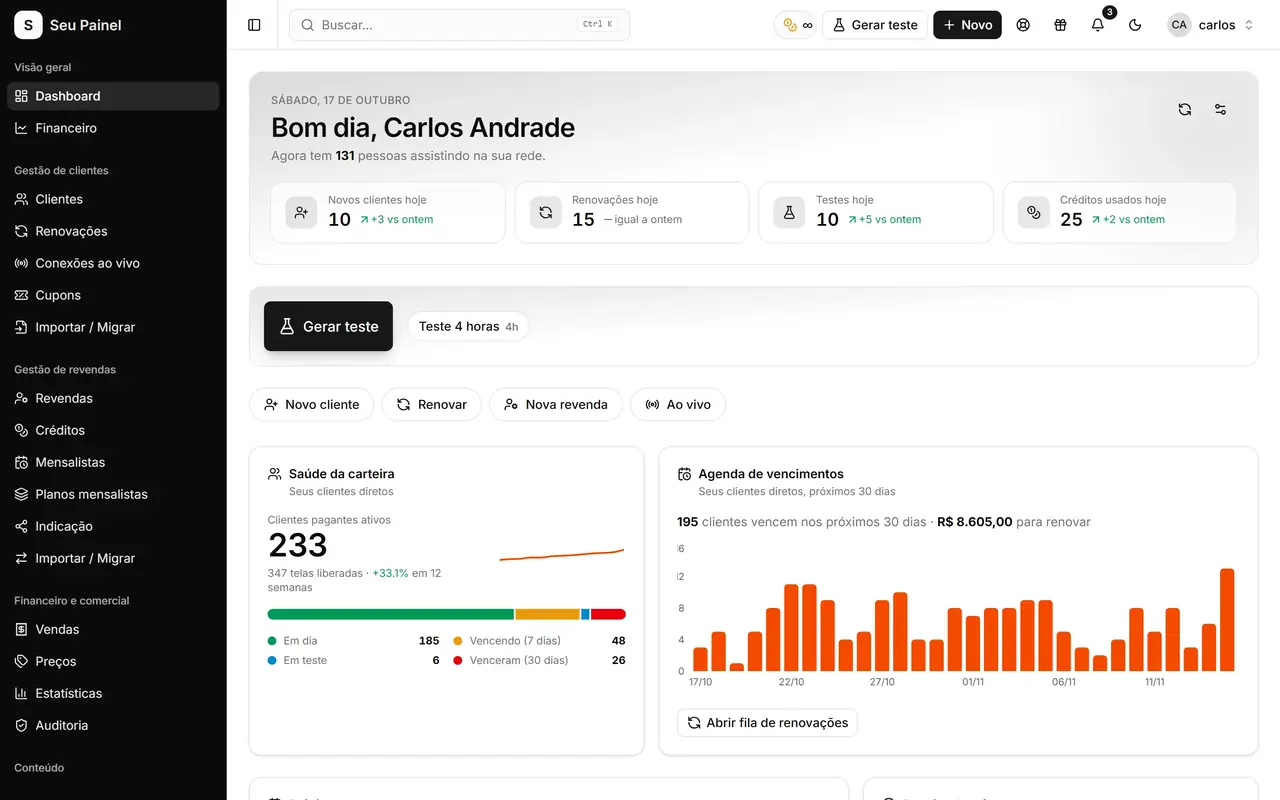
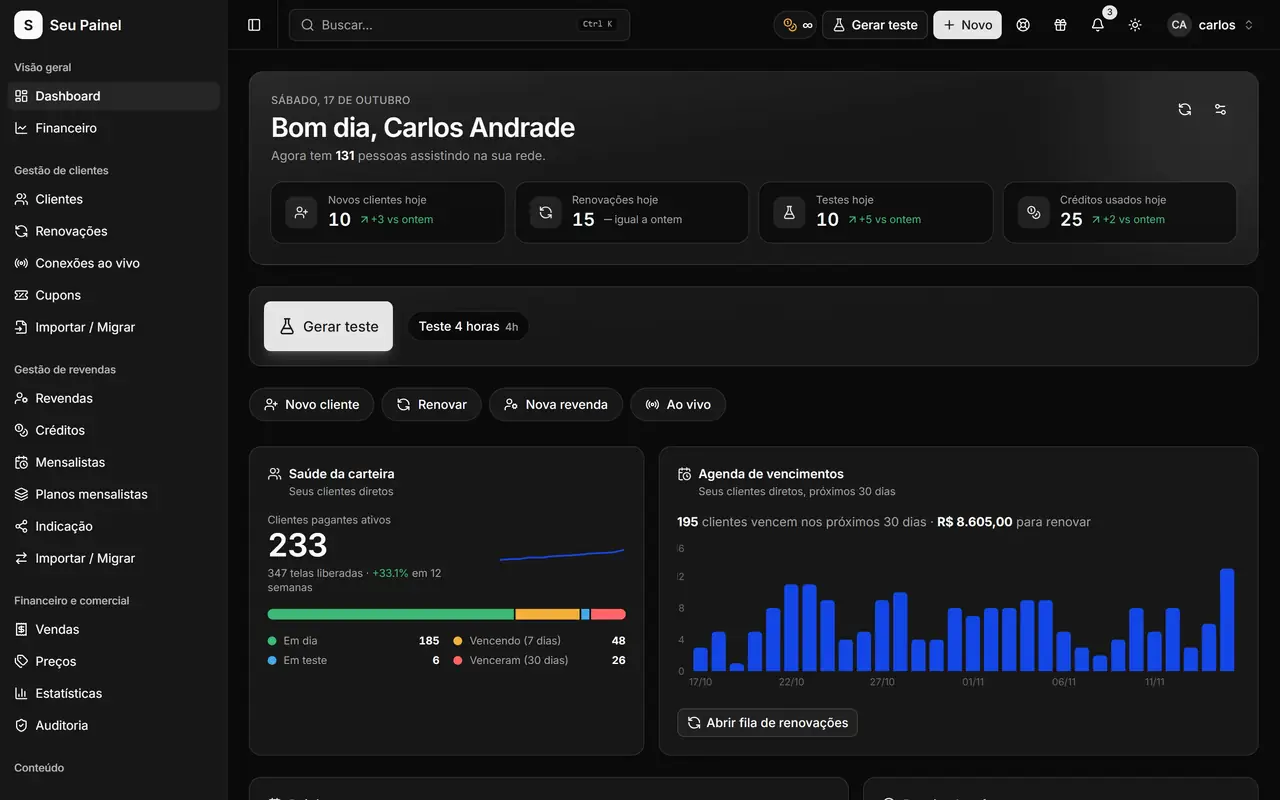
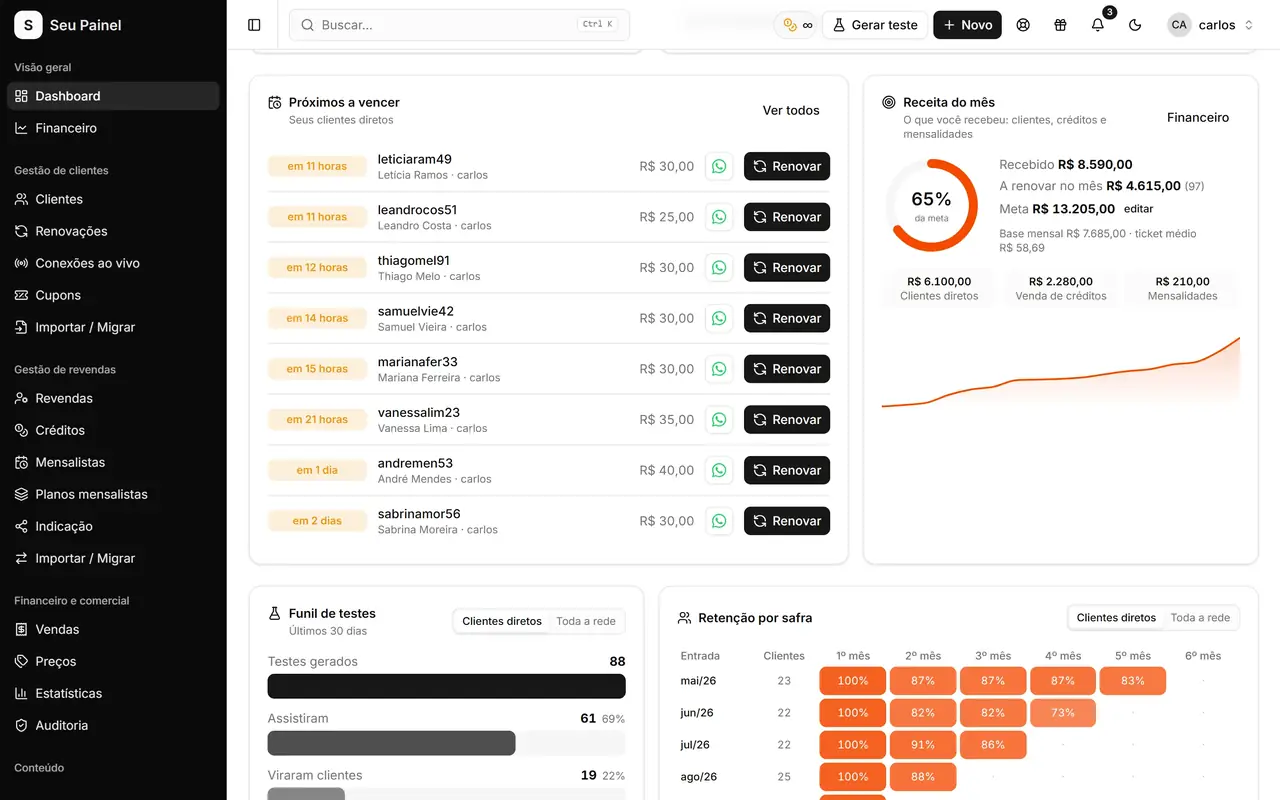
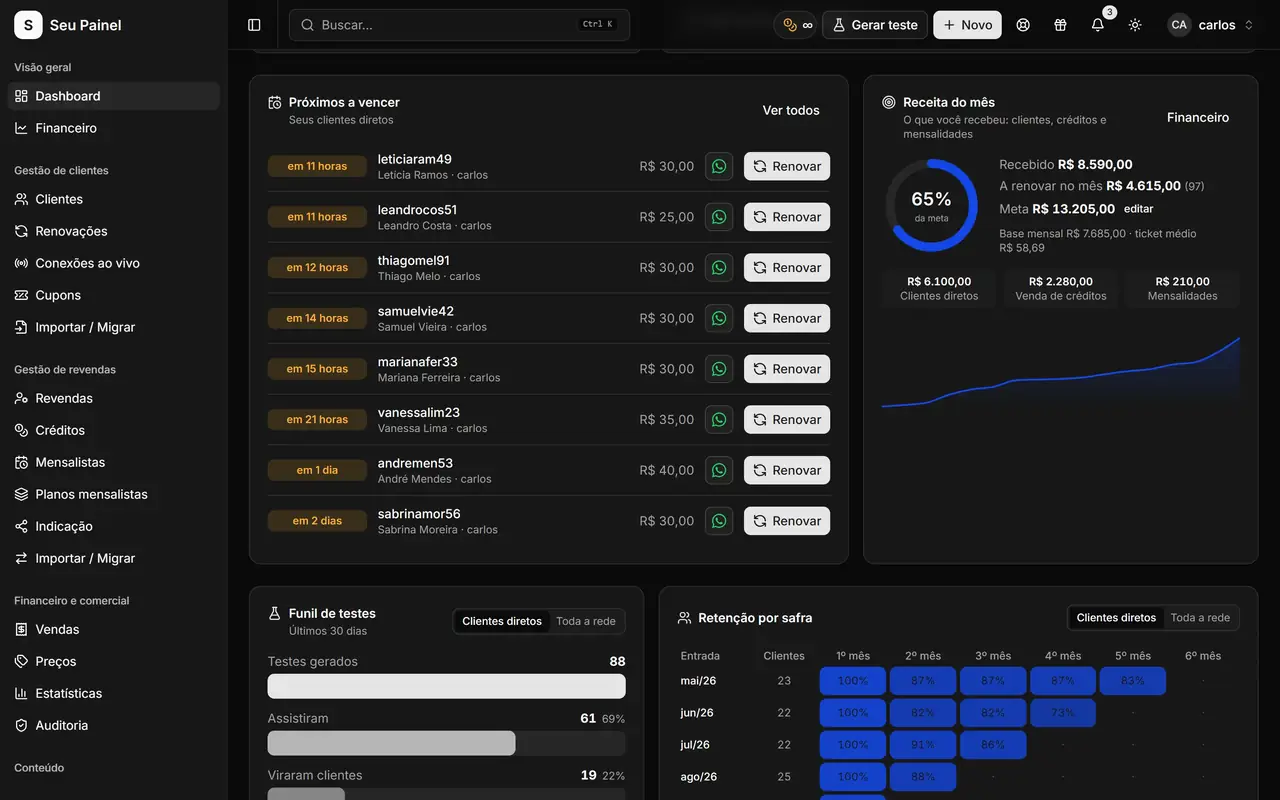
Without measuring, you don’t know whether trials are working. The Painel Blend dashboard shows the trial funnel: how many trials were created and how many converted. Next to it you follow monthly revenue, upcoming expirations and retention.
With those numbers you can answer practical questions:
- Which trial type converts best?
- Did the playlist change improve conversion?
- Do longer trials actually sell more, or just cost more?
Change one thing at a time and compare the results. To understand the metrics better, check the guide on MRR and retention metrics.
Common trial mistakes
A message with a broken variable. The customer gets {password} instead of the password. Check the preview.
Not saying how long the trial lasts. The customer puts it off and the trial ends unused.
No next step. If the message doesn’t say how to subscribe, the customer has to ask, and many won’t.
One playlist for everything. Different apps need different instructions. Create specific templates.
Not tracking the funnel. Without looking at the numbers, you don’t know what to improve.
Turn trials into subscriptions
See every feature on the trials and playlists page. To create your trials in Painel Blend, request access to the closed beta or join the waitlist.